November 12, 2026 · Bob Duncan
Daily activity reports vs incident reports: what each format must contain before a client accepts it
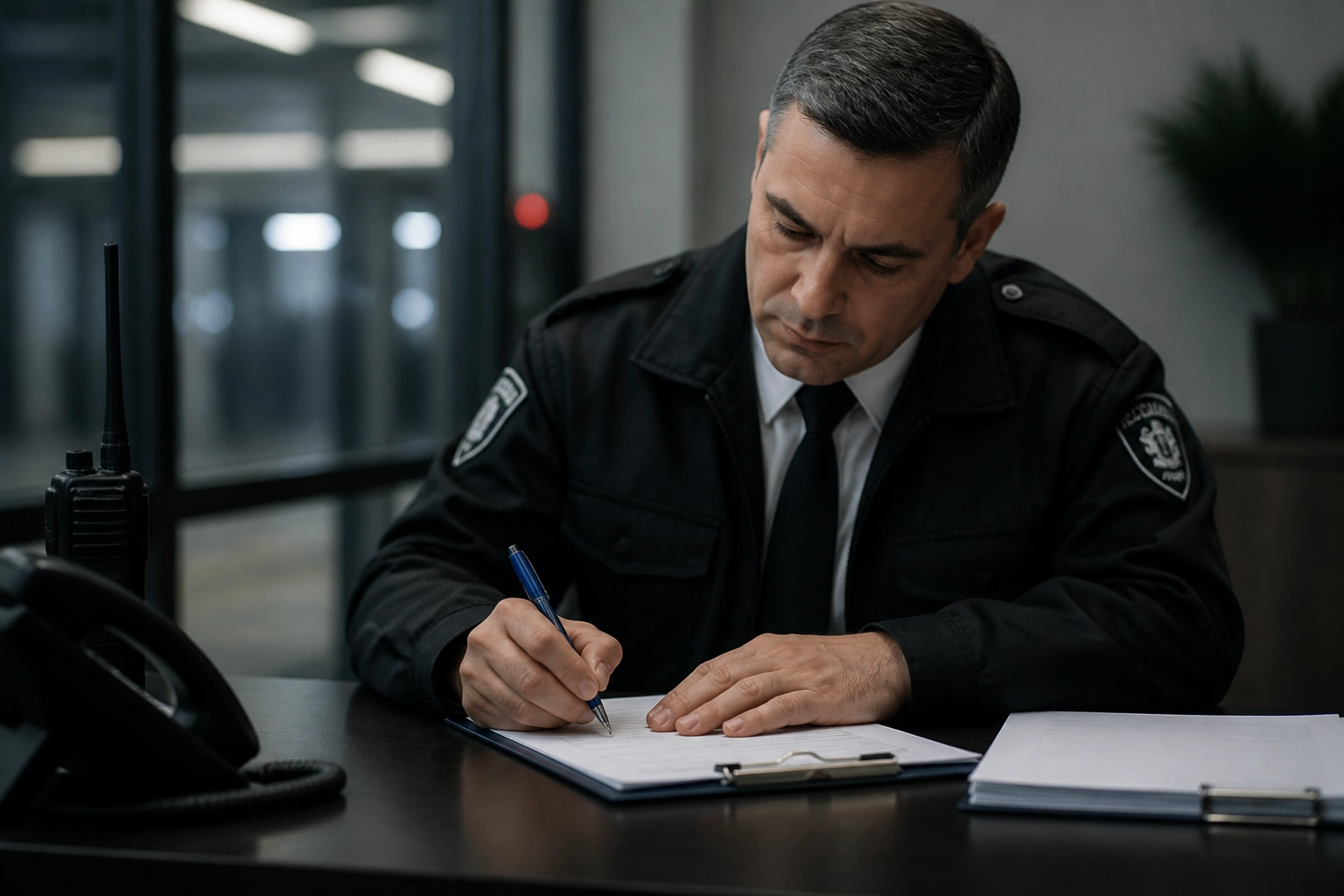
If your guards write one long narrative that tries to cover both a quiet shift and a fight in the parking lot, your client probably pushes back on the whole thing. Small firms often fold routine proof-of-service into the same document as event reporting, then wonder why both get rejected. They are different records with different jobs. A daily activity report is the routine paper trail: post checks, patrols, pass-downs, nothing dramatic. An incident report documents one event, with facts, times, people, and evidence. Keeping them separate makes each shorter, faster to file from a phone, and harder for a client to dispute.
This post breaks down why merging them fails, what a daily activity report should and should not contain, the fields to include in each template, and how to handle reporting incident details correctly. You will also see three short incident reporting examples, a side-by-side comparison, what clients actually dispute, where Ohio compliance fits, and a two-template checklist to run before sending either report. If you are running a small team, Opspot is one option built for 1 to 50 guards, free to start with no sales call.
Why folding routine logs and incident reports into one narrative gets both rejected
Most small guard firms start with one form. The guard fills it in at the end of the shift, and whatever happened that night gets written into the middle of the same page. Owners we talk to describe the same result: the combined page gets written once and read by nobody, because it does not answer the question either reader has.
The two halves also run on different clocks. Routine log entries feed your billing and get reviewed on a regular cycle. An event can be read by the client far sooner, and sometimes by an insurer. Different readers, different deadlines.
That is where length does damage. Three paragraphs about a quiet shift, then two rushed lines about the thing that actually mattered. Detail goes missing exactly where the risk sits.
Clients want three records that prove service and nothing else. A page that answers one question gets accepted faster than a page that half-answers two. The fix is two formats, two templates, one short page each.
What a daily activity report is, and what it is not
A daily activity report is the routine proof-of-service record for one shift. It answers one question for the client: was the guard on site for the full shift, and did the guard follow the post orders?
It is not where an event goes. If something happened, write one line in the shift log with the incident report number and stop. The full story belongs in that separate file, and a paragraph squeezed into the shift log reads as thin when the client looks for detail.
It gets filed every shift, on every post, including the quiet nights. An all-clear shift is what the client pays for, so it still needs a record with times on it.
It should read as a log, not a story: short entries, timestamps, initials, no scene setting. It also supports your invoice. When a client questions hours on the monthly bill, the daily activity report and its clock-in data are the first two things you open.
Keep it to one page, written from a phone at the post, at handover or before the guard leaves. Some firms file these through a mobile guard app instead of a paper book.
Next, the fields that make this format hold up.
Daily activity report template: the fields to include
Treat every field below as best practice, then confirm what your province or state adds.
Header block: client name, site address, post name or number, report date, shift start and end times (with the time zone if you run sites across one), guard name, licence or registration number.
Verification block: clock-in and clock-out times, how the guard checked in, and every checkpoint hit with its exact timestamp, whether QR, NFC, or manual.
Activity log: four columns only, time, location, what was observed or done, action taken. One line per entry, 24-hour clock, no paragraphs.
Rows that earn their own line: perimeter and door checks, lighting and equipment faults, deliveries in and out, contractor and visitor sign-in, keys issued and returned, escalations to the supervisor.
Pass-down block: open issues, unfinished tasks, equipment handed over, so the next guard has something concrete to read.
Sign-off: guard initials against the log, plus a supervisor review line and date. That turns notes into a client-acceptable document.
Anything needing a full account goes to its own report, written to a consistent incident reporting standard, with the incident number cross-referenced here.
Keep one folder per client per month, so a request or an audit takes minutes, not an afternoon.
Next: what triggers that separate report, and when the clock starts.
What an incident report is, and when the clock starts
With the shift log done, one decision remains: does anything need its own file? An incident report is a standalone record of one event, written so someone who was not there can tell what happened, what was done, and when.
Triggers: injury or medical event, theft, trespass, vandalism, assault or threat, alarm or fire activation, property damage, police or EMS attendance, use of force, or a client complaint about guard conduct. If it could end up in an insurance claim, a police file, or a lawsuit, it gets its own report, filed on the same shift. The clock starts when it happens or when you find it, not at handover.
One event, one file. Three problems do not share a page, and one incident does not get split into two shorter reports.
Damage found on patrol with no witness still needs a report, and it must state plainly that the time of occurrence is unknown.
Incident reporting is documentation, not opinion. Record what was seen, heard, said, and done, in order. Write for the client risk contact, an insurer, a police officer, and possibly a lawyer reading it a year later. How to document incidents covers the rest.
Incident reporting format: the fields every incident report needs
With the decision made, the format is just labelled blocks.
Header. Report number, the date and time you wrote it, guard name and licence number, client and site, shift start and end times, and one incident type from your form's fixed list.
Event. Date and exact time it occurred or was discovered, exact location using a fixed site reference (north loading bay door 3, not the back of the building), and whether anyone was injured.
People. Names and roles of everyone involved, contact details, witnesses and their role, guards on duty, and the names and file or call numbers of attending police, fire, or EMS personnel.
Narrative. Chronological, third person, past tense, one short paragraph per phase: what you found, what you did, who you told. Time every action, and quote anything said.
Notification. Who was notified and when (supervisor, client, police, property manager), plus whether the scene was preserved until they arrived.
Evidence. Name every attachment: photos of the damage, a screenshot of camera footage, a signed witness statement. A photo with no timestamp leaves the reader guessing when it was taken.
Closing. A signed line that the report is factual to your knowledge, the time filed, a supervisor review line, and an open items list.
Two controls. No fault, no medical diagnosis, no guess at intent; save "appeared to be" for what you genuinely could not know. Format plainly, no bold or decoration, so it survives printing, emailing, or a claims system. That same plainness keeps the report easy to send, the way a small firm handles fast client updates.
Incident reporting examples: three short samples
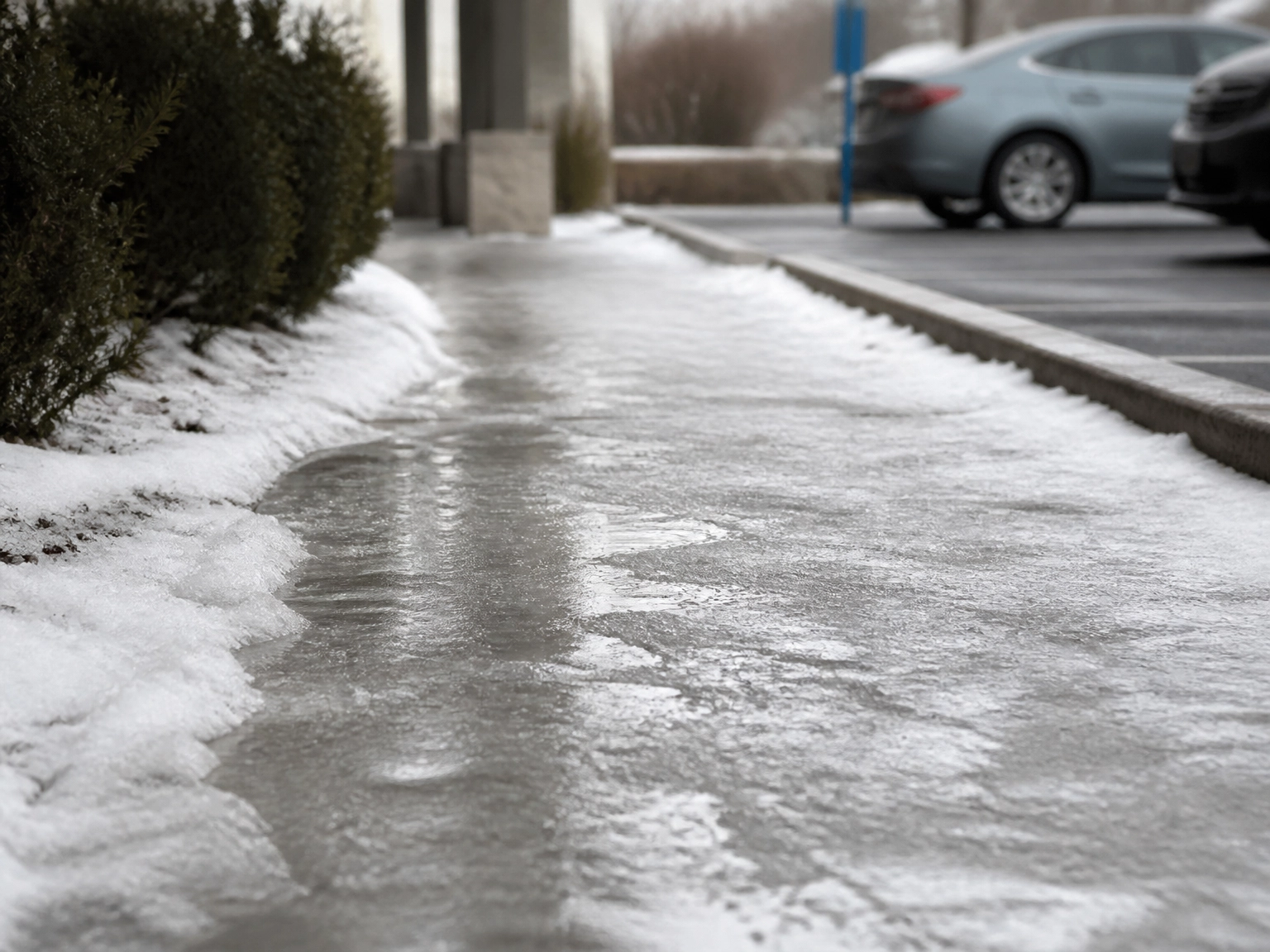
Three illustrative samples:
Slip and fall, parking lot. Report #1042. At 14:20, ice on the north walkway. Photos taken before salting; first aid offered and declined. Client notified 14:35. Cross-referenced in the shift log.
Unauthorized person removed. Trespass 02:10. Description and clothing recorded. Verbal instruction given and refused; police called 02:22, report number noted. No force used; noted what the guard did not do.
Graffiti found on patrol. Discovered 23:05 on a rear wall, photos attached, with a plain statement that nothing was witnessed and the time of occurrence is unknown. This is the sample most owners need, because a found incident reads differently from a witnessed one.
Every usable sample carries times, names, actions, notifications, evidence, and a signature. Skip templates built for a different service model: fields that do not apply to your work stay empty, and gaps read as omissions to a client. Before guards use a worked example, strip names, addresses, and plate numbers, and keep one clean example per incident type, like sending client updates.
Daily activity report vs incident report: side by side
The samples above show what a clean incident reporting sample should read like. Here is how the two formats compare, row by row.
Daily activity report | Incident report | |
|---|---|---|
Purpose | Routine proof of service for the shift | Record of one event |
Frequency | One per shift, per post, every shift. Quiet weeks can have zero incident reports; no shift has zero daily activity reports. | Only when a trigger event occurs |
Length | Under one page, written in log lines | As long as the facts need, no cap beyond the reader's patience |
Who reads it | Client operations and your billing side | Client risk, an insurer, a police service, possibly a lawyer months later |
Timing | Filed by end of shift or at handover | Filed as soon as the facts are recorded, on the same shift |
Evidence attached | Checkpoint timestamps, verified clock-in and clock-out records | Photographs, witness statements, police file numbers, footage references |
Acceptance test | Does it prove the service was delivered? | Does it explain the event with no unexplained gap? |
The one legitimate overlap: both documents carry the cross-reference line with the incident report number. The full story appears in exactly one of them, the incident report.
What clients actually dispute, and how each format prevents it
Clients rarely dispute your form. They dispute a handful of recurring details, and both formats exist to close them off.
Vague times lead the list. "Around 2am" can't be verified, so both formats should run a 24-hour clock with a timestamp on every line.
Missing checkpoint data is second. A patrol log with no checkpoint IDs or times reads as written from memory at handover, and the client will say so.
Opinion dressed as fact fuels the longest arguments. "The man seemed suspicious" shifts the dispute onto the guard's judgement instead of the event.
Hours that don't match the log. Clients check the invoice against the daily activity report, so clock-in data and billed hours must tell one story. Verified clock-ins into payroll hours is where that starts.
Padding on quiet shifts. Three paragraphs about an uneventful night implies the guard sat and wrote instead of walking. Keep the routine report short on purpose.
Late incident reports. One filed three days later reads as reconstructed even when every fact is correct. Set a filing window and keep it.
A combined form fails all six at once. Split them, and the only question left is what your regulator adds on top.
Where compliance fits, and where best practice takes over
Report requirements vary by state and province. Ohio's records rule is a starting point, and it does not itself prescribe a daily activity or incident report format, so treat it as a floor and not a template. Run sites across the US and Canada and you're answering to several rulebooks at once.
Ohio is a pointer, not a template. It regulates guards under ORC Chapter 4749 and OAC Chapter 4501:7-1 (Ohio's security guard rules), a framework with its own records section. Read the rule on the Ohio Department of Public Safety site and confirm it's the current version. Then ask your licensing authority: how long must these records be kept, and does anything have to be filed outside my company?
Client contracts count too: reporting windows and file copies are often set in the agreement or post orders, and those deadlines can be tighter than the licensing minimums.
File records under one naming convention, one folder per client per month, so any request starts with a click. Opspot is built for firms running 1 to 50 guards: mobile incident reporting captures photos, timestamps, and GPS location at the post, and proof-of-service reports go out without being rebuilt by hand. For a two-week rollout that frames location clock-in as proof of a guard's work, see rolling out GPS clock-in.
Your two-template checklist before the client sees either report
Two forms, two buttons, no shared narrative box. That physical separation is what stops a supervisor note or a stray alarm event from drifting into the wrong file.
Daily activity report: header, checkpoint list with times, log rows, pass-down, sign-off. If it does not fit on one phone screen, it is too long to fill in properly at the post.
Incident report: header and report number, event time and exact location, people, chronological narrative with times, notifications, evidence list, signature. File it before the shift ends wherever it is safe to do so.
Cross-reference, never duplicate: the incident number sits in the shift log as one line.
Confirm your ground rules with your licensing authority and client agreement before locking either template. Anything beyond those minimums is your own standard, and that is fine.
Then test it the way a client will. Hand a finished pair to someone who was not on site and ask them to state what service was delivered and what happened, without asking you a single question.
Conclusion
For small teams that want the proof to assemble itself, Opspot is free to start and built for operations of 1 to 50 guards, with GPS clock-in and photo capture that keep reports intact from the post to the client. Tighten one template this week, then run the test again.