November 3, 2026 · Bob Duncan
What clients mean by accountability: the three records a guard company must produce
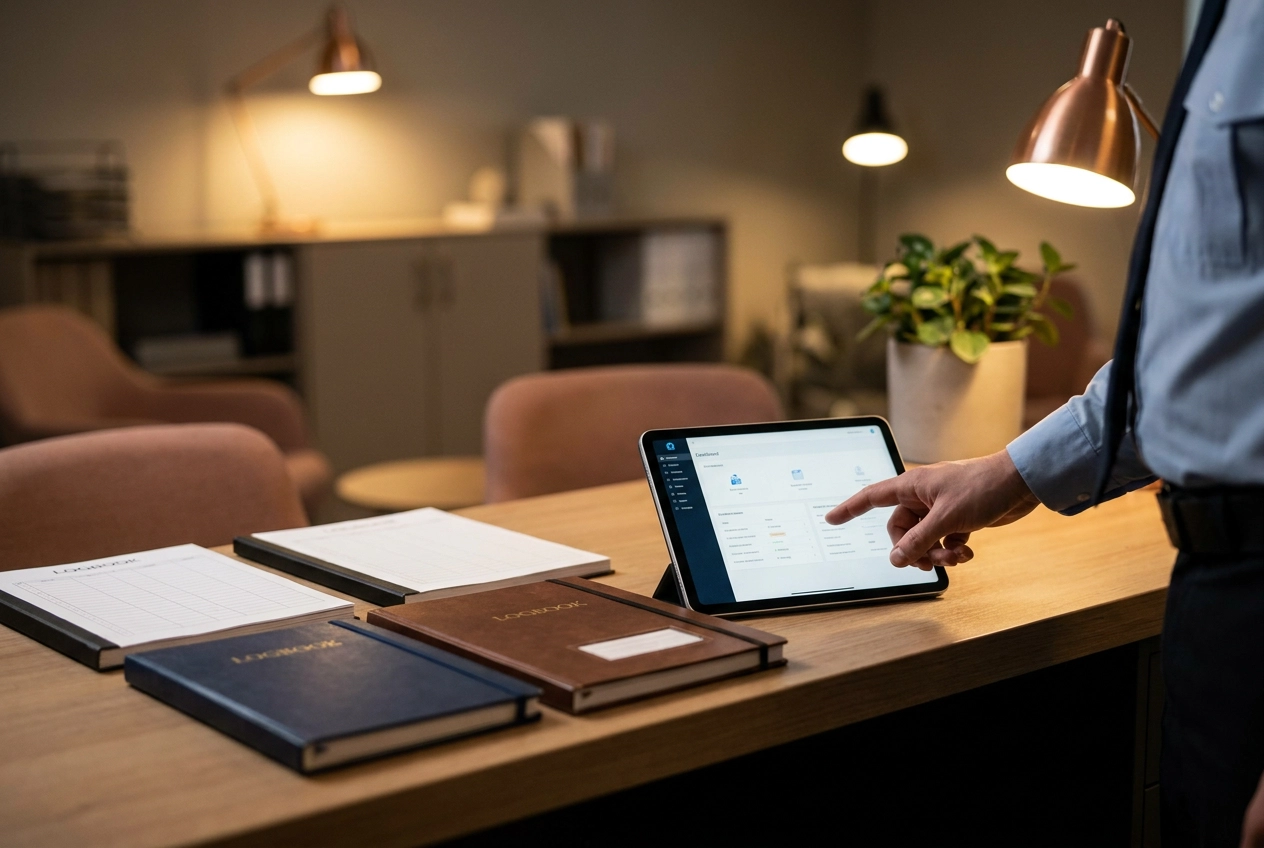
When a client asks, "How do I know the guard was actually there?" they are not asking for a prettier dashboard. They are asking for proof they can pull on demand. That proof usually comes down to three records: a location- and time-stamped incident record, a patrol log backed by checkpoint scans, and hours verified on site that match the invoice. If your security guard reporting software cannot produce all three from the same shift data without retyping, it is not really reporting software. It is a form filler with a login screen.
In this tutorial, we will unpack the client question behind every accountability ask, then define each record and what it must contain to survive a client question or a contract renewal. We will walk through one shift and show why all three records need to come from the same data. You will also learn what your incident reporting procedure owes a regulator, how to test any tool against the three records, and how to start with one shift before fixing gaps in order.
The client question behind every accountability ask
Clients rarely ask for software. They ask you a question, usually by email on a Monday morning: "How do I know the guard was there?" or "Can you prove the 2 a.m. round happened?"
Those are evidence requests. And the person asking is usually answering to someone else: their insurer, a regional manager, their head office, or their own client. That is why a screen share or a login to your dashboard does not settle it. They cannot forward a password to their insurer.
The question maps to three records:
A location- and time-stamped incident record
A patrol log backed by checkpoint scans
Hours verified on site that match the invoice
Here is the test that runs through the rest of this piece: if your security guard reporting cannot produce all three on demand, without retyping, you are answering a different question than the one the client asked.
Each record gets defined, then tested against a real client question and a contract renewal, then shown coming out of one shift's data.
Record one: a location- and time-stamped incident record
The incident record is the version of the night that survives a client question six weeks later. It states what happened, when, where, who was involved, and what the guard did next, anchored to a place and clock time, not a shift date.
A record that holds up includes the date and exact time, GPS coordinates or a named site and post, the guard's name and license number, a factual narrative, actions taken, and who was notified. Notification gets its timestamps: supervisor, client contact, police report number. Client contracts often specify a notice window, check yours, so the record should capture when notice went out, not just when the incident happened.
Attachments must carry metadata: photos with timestamps and location, witness names and statements, damage noted on the spot. A photo sent days later and disconnected from the original record is harder to tie to the incident.
Exact times are not optional. In California, private patrol operators and security guards must submit an Incident Report to the Bureau of Security and Investigative Services within 7 business days after a physical altercation, firearm discharge, or deadly weapon use on duty. That deadline runs from the occurrence. A record without a clear date and time cannot prove you filed on time. These rules are California-specific.
The common failure is reporting by text or from memory after the shift, leaving no location, no exact time, no photo metadata. When the client asks, you're reconstructing the night instead of producing it. What a defensible incident report actually contains comes down to how you capture it in the first place.
Record two: the patrol log backed by checkpoint scans
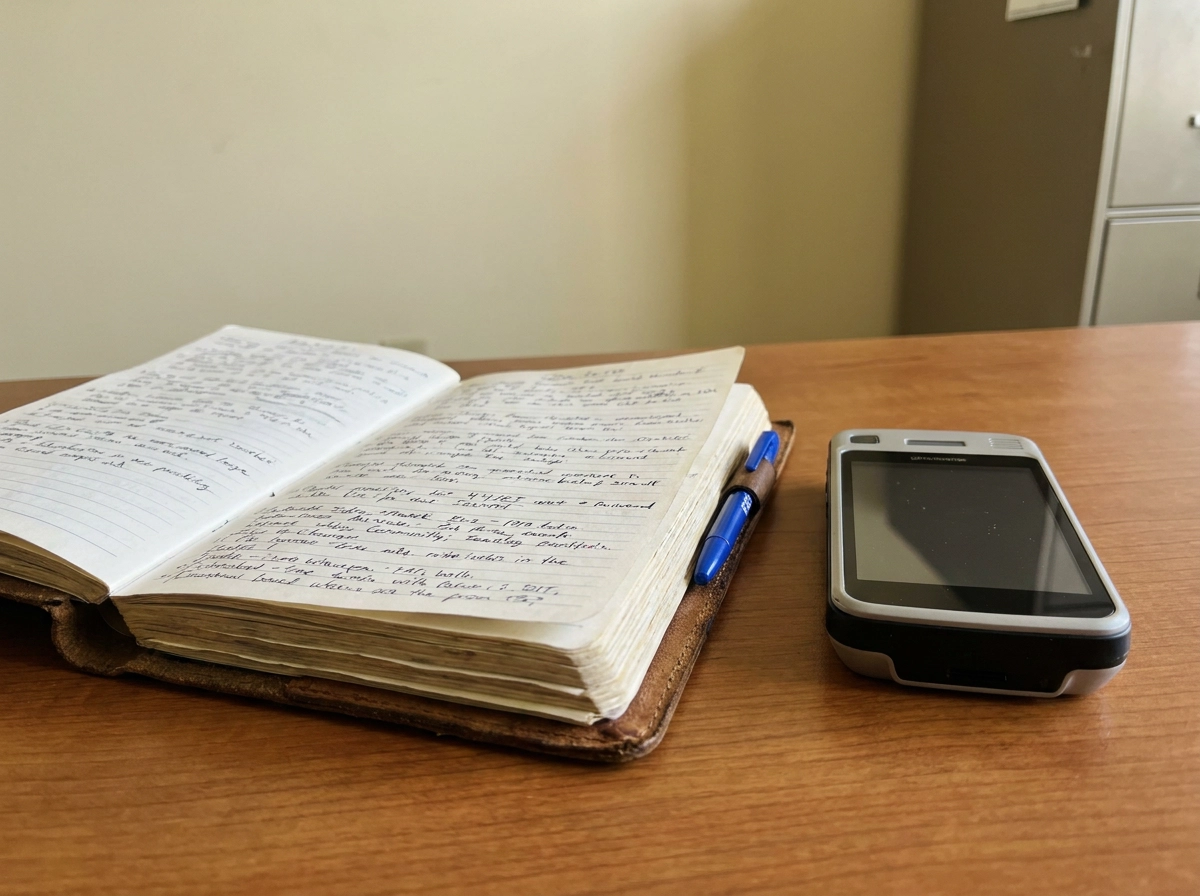
The patrol log answers a different question than the incident record. It is the chronological record of rounds completed, with proof the guard physically reached each point on the route, not just that a tour was marked done in the system.
What holds up under a client question: checkpoint identity (the QR or NFC tag ID, or a named post), scan time, guard name, tour name, and the order the checkpoints were hit. A scan carries the tag ID and the clock. A pen signature carries neither.
Exceptions belong in the log. Missed checkpoints, out-of-sequence scans, and the reason behind them: a locked gate, a blocked path, a contractor working in the area, a client escort requirement. Unexplained gaps look like negligence even when they are not.
The client question this answers is simple: what did the guard actually do at 2 a.m.? If your log only says "tour complete," a client with a specific complaint about the loading dock or the east gate gets no answer at all.
What to avoid: retroactive logs filled in at the end of the shift, and tour reports with no per-checkpoint detail. Both pass as security guard reporting until someone asks a follow-up question.
Worth knowing: some clients roll tour completion rates into their own reporting, if yours do, the log you hand over may end up quoted in a document you never see.
Record three: hours verified on site that match the invoice
If the patrol log answers "what did the guard do," the timesheet answers "what am I paying for." This record is when each guard arrived and left, confirmed as being at the site, reconciled to the hours the client is billed.
What survives an audit: clock-in and clock-out times, site or geofence confirmation, guard identity, post name, and any approved adjustments with a note on who approved them and why. Break and overtime treatment has to be visible too, so the hours on the invoice line up with the hours payroll runs. When they don't, you're explaining a gap instead of billing for work you did. Federal rules require accurate daily and weekly hours records for non-exempt staff, per the DOL's recordkeeping fact sheet.
Clients audit this record hardest because billing disputes are about money. As a simple illustration: a 15-minute gap per shift across 20 shifts a month is five hours on the invoice, and a client finance team will chase that.
Here's the test: pick one invoice line, pull the timesheets for that post for that period, and see whether the two agree without anyone opening a second spreadsheet or retyping a time.
The common failure is hours tracked in one system for payroll and billed from a separate spreadsheet, which almost guarantees the client sees numbers you cannot defend from a single source.
One shift, three records: a worked example
One guard, one overnight shift at a distribution center, eight checkpoint tours, and a dock door found unsecured at 2:40 a.m. Here is how that night looks when the data is captured as it happens.
Clock-in at 21:58, confirmed inside the site geofence through geofenced clock-in. Checkpoint scans log through the night, each carrying its tag ID and time. The incident is filed at 2:52 a.m. with a photo and a GPS point. Clock-out at 06:02.
From that one set of records, you get three outputs. Monday morning, the client asks about the dock door, and you send the incident record in minutes. They ask whether the dock was checked on every round, and the patrol log shows each scan, in order, at the dock checkpoint. Finance asks about the invoice line for that shift, and the timesheet matches it exactly.
Now run the same night informally. Clock-in announced in a WhatsApp group. Rounds tracked on a paper log that lives in the guard's pocket. The 2:40 a.m. incident described in a voicemail left at 6:30 a.m. You now have three versions of one shift and no way to prove which is accurate.
The difference in effort is stark. The first version takes a few minutes to pull together. The second costs you an evening of phone calls, guesswork, and an apology.
Why all three records have to come from the same shift data
Three records from one shift is the easy part. Three records that agree is the point. Pull them from different systems and their times drift apart. The renewal conversation stops being about your response and starts being about your paperwork.
The dock-door example above shows exactly this: the incident at 2:40, the patrol scan at 2:30, and the unbroken 10-hour timesheet each look fine in isolation, together they invite a question you cannot answer.
Retyping is the tell. If a tool makes you re-enter the same shift into a report template, that is a forms tool with a report tab, not security guard reporting software. And if you are leaning on timestamps without location proof behind them, that is its own problem.
One source also means one audit trail. A corrected time or an edited note should leave a visible change record, not quietly overwrite what the guard submitted at 2:52 a.m.
So test it plainly. Can you produce all three records for one shift without opening a second app, calling the guard, or typing a single field that already exists?
What your incident reporting procedure owes a regulator, and where the rules differ
There is a compliance layer on the same record. California's 7-business-day filing clock for private patrol operators (covered above) is one example of how regulatory deadlines layer onto the same record. Alarm operators and repossession agencies get 7 days. Proprietary employers get 7 business days after a physical altercation.
Electronic filing is treated as more timely than mail, so keep the original timestamps on the record rather than rebuilding dates from memory weeks later.
These deadlines are California-specific. Do not assume they apply in your state or province. Check with your own licensing authority before writing any of them into your procedure.
Client contracts usually run shorter. A notice window to notify a client contact, often 24 hours in contract templates, though yours may differ, is a common contract term, so your procedure has to capture the notice time, not just the incident time, or you cannot show you met the contract.
Deadlines and notice windows both run from the occurrence. That means the occurrence date and time have to be captured at the moment, by the guard, on site, which is the first thing a guard incident report that holds up under review depends on.
How to test any reporting tool against the three records
Rules and deadlines are only half the story. A tool that can't produce a clean record on demand is just a filing cabinet. Run these four tests before you trust any system with your client relationships.
Test one: ask for one incident record from last month. It should carry date, exact time, location, guard name, narrative, notifications, and photo attachments with metadata.
Test two: ask for the patrol log for one specific night. Does it list per-checkpoint scan times, or just say the tour was complete?
Test three: pick a single invoice line and ask for the timesheets behind it. They should match without someone opening a second spreadsheet.
Test four: confirm all three records come out of the same shift without retyping. My rule of thumb: fail three of four, and what you have is a scheduling app, not a reporting system.
Opspot was built for owner-operators running 1 to 50 guards. It produces all three records from one mobile-first system: geofenced clock-in and clock-out, QR and NFC checkpoint tours, geotagged incident reports with photos, client-ready proof-of-service reports, and payroll timesheets from verified clock-ins.
Start with one shift, then fix the gaps in order
Run the test on one shift this week. Pick a night with a tour and a clock-in you can trace, then try to produce all three records. Time it. Count every field you retype and every call you make to the guard.
Then fix gaps in this order:
Incident fields. Confirm every report carries exact time, location, guard name, and each notification.
Checkpoint evidence. Every tour needs a scan, not a signature.
Timesheets. They should feed the invoice directly, no second spreadsheet.
Write your client notice windows into your incident reporting procedure so the record captures when you notified the client, not just when the incident happened.
Once the gaps close, tell clients what you can produce and how fast. A defined answer to "how do I know the guard was there" puts you ahead of the renewal conversation instead of behind it.
Three records, one shift, no retyping. If your tool cannot clear that bar, it is not doing the job your clients pay for.
Conclusion
Accountability is not a vague promise. It is three records from the same shift: a time- and location-stamped incident report, a patrol log backed by checkpoint scans, and verified on-site hours that match the invoice. When those records come from one source, you stop retyping, reduce disputes, and answer clients with proof instead of reassurance.
Three records, one shift, no retyping. If your tool cannot clear that bar, it is not doing the job your clients pay for.