October 31, 2026
Rolling out GPS clock-in to guards who hate the idea

Rolling out GPS clock-in to guards who hate the idea sounds like a technology problem. It is not. It is an adoption problem. The moment guards hear location tracking, many picture surveillance, not a security guard app that makes their day easier. That reaction is normal, and it is fixable. The trick is to frame clock-in as proof of their work, not a leash. When guards see that it can end "did you actually show up?" calls and disputed hours, resistance drops fast. This post walks through a practical rollout. You will learn why guards push back and what changes their mind, what to prepare before you talk to the crew, how to spend week one explaining and testing with volunteers, and how to run week two live with a written exceptions policy. You will also get a first 10 minute script, straight answers to the questions guards will ask, a one page exceptions policy, rules for a first miss, and the legal basics of notice, proportionality, and data minimization. Finally, you will get clear steps for what to do this week.
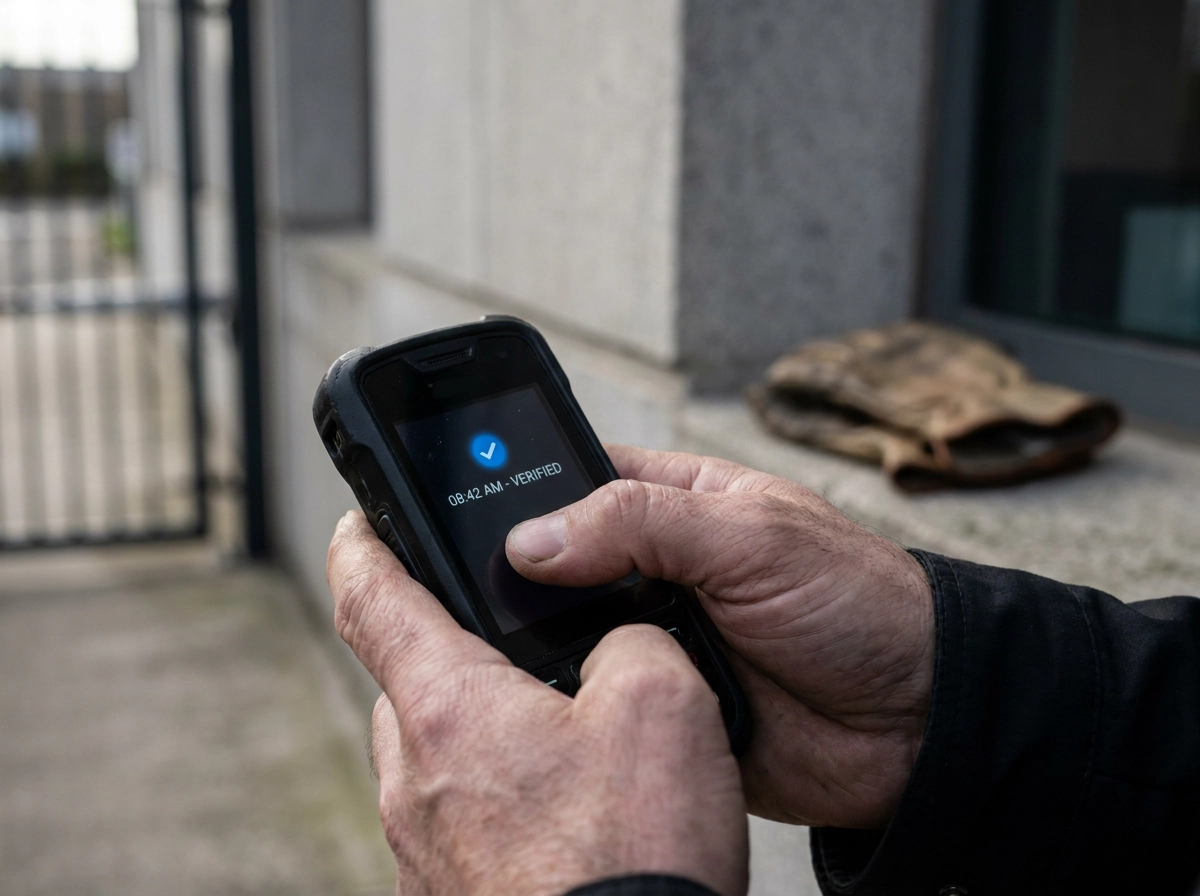
Why guards push back on GPS clock-in, and what changes their mind
The objection is almost never the technology. Guards hear "GPS" and picture someone tracking their drive, their breaks, their coffee stop.
The reframe that does the work: clock-in as proof of work. A timestamped record answers "did you actually show up?" without a phone call, and it protects the guard's hours when a client disputes them. A timestamp alone proves when, not where, which is why geofenced clock-in matters.
Say that out loud in the first conversation. The alternative is a supervisor calling at 2 a.m. to confirm a post is covered. Guards dislike that call more than an app.
Be honest about what changes: the company will know the time and place of clock-in and clock-out. Nothing is hidden. Don't describe the tool as anything other than what it is.
Treat this as a recommendation, not proven behavior. No public data shows guards adopt geofenced clock-in faster when pitched this way. The logic still holds: people defend tools that defend them.
One hard fact: a security guard app guards refuse to open is worse than paper. You pay for software and still run the shift on calls and texts.
What to have in place before you talk to the crew
Before you call the meeting, do four things. Set the geofences. A 150-meter radius around a client address covers most strip-mall lots. A multi-building campus may need two or three zones so guards are not flagged at the wrong entrance.
Load next week's schedule into the app before anyone opens it. A wrong shift on day one makes the app take the blame. How to get new guards using your scheduling app on day one covers that setup.
Settle the practical basics: whose phone each guard uses, whether the firm supplies a device for problem sites, and whether you reimburse data use. Check state reimbursement rules separately.
Decide your location policy outside shifts and write it down. If your security guard software only captures location at clock-in and clock-out, say that out loud in the meeting. Pick an app your crew can learn in one shift. For a 1 to 50 guard firm, setup speed beats feature count. Opspot runs on the guard's own phone and is free for up to 3 guards, so you can test the rollout before paying. Write the one-page exceptions policy before week one, not after the first failed clock-in at a basement post with no signal.
Week one: explain it, then test it with volunteers
With that page drafted, week one is conversation, not enforcement. On Day 1, hold a 20-minute crew meeting in person or on a call. Use the script in the next section. Do not send a memo and hope; the night shift will hear a distorted version by Thursday. Hand out a one-page FAQ with the same answers, so anyone who missed it gets the same story. Prepare guards before deployment by keeping the tone at "we are testing this together."
Days 2 and 3: ask two volunteers, one long-tenured and one newer, to clock in and out on their next two shifts. Tell them to try to break it. Day 4: collect the friction list. Expect battery drain, weak signal in an underground garage, an older Android phone, a forgotten password, a geofence flagging the loading dock. Day 5: fix what you can, like battery saver settings, a printed backup code, or one company phone for the worst site, then tell the crew what changed because of their feedback. Guards who feel consulted argue far less when the app goes live Monday.
Week two: run it live with a written exceptions policy
Then Monday arrives. Go live on the first day of a pay period, never mid-cycle, because the first pay run either builds or breaks trust for months. Run the security guard app alongside your old method for three days only. Longer parallel runs create two sets of records and endless arguments about which one counts. If you are switching from WhatsApp and paper, the first-year arc has a predictable shape, and this guide to shift scheduling software for Canadian security companies walks through it.
Publish the exceptions policy the same day: one page, same text in the app and taped up in the office. Check the exception log every morning for two weeks. A cluster of failures at one site usually means a bad geofence, not a bad guard. Pay from verified clock-ins, and write this sentence in the policy: an approved exception is still a paid shift. That line prevents most payroll fights.
At the end of week two, look at three numbers: shifts logged cleanly, exceptions filed, and what the crew still dislikes. Tell them what you are changing.
The rollout script: what to say in the first 10 minutes
Once week two wraps, you may need to give the same 10-minute talk to a new guard or a second crew. Keep it under 10 minutes and leave 10 for questions. Load what a call-out-ready schedule looks like in practice before you deliver it, so every guard sees their own shifts. Then say this:
"We are losing hours every month arguing about whether a post was covered. That costs you money and it costs me money. From Monday, you clock in and out on your phone at the site. The app records the time and confirms you are at the post. This is not a tracker on your personal time. It records a location at clock-in and clock-out, not your drive home. When a client says nobody showed up at 11 p.m., your clock-in is the answer. Nobody has to call you at home to ask. If the app fails, you log it, we fix it, and you get paid. A first miss is a conversation, never a write-up. Two of you test it this week. Tell me what breaks. I will fix it before we go live."
The questions guards will ask, with straight answers
Ask these eight in the meeting, then put the same answers on the one-page FAQ.
"Will you know where I am after my shift?" Answer from your configuration. If the app captures location only at clock-in and clock-out, say so and write it down.
"Who can see my location data?" Name the roles: you, the scheduler, and the client if a proof-of-service report includes it. Never say "only me" unless it is literally true. Clear notice is the legal baseline; ICO monitoring guidance covers transparency expectations.
"How long do you keep the records?" Read your software's retention policy and give the real number. Do not guess or promise a number you might change later.
"Will it drain my battery?" Point to the settings you tested in week one, and to the charging point at the guardhouse.
"What if there is no signal in the garage?" Explain how the app queues the clock-in offline, and point to the backup step in your exceptions policy.
"What if my phone dies or I forget it?" Log it, clock in on a company device or with a supervisor, keep the shift paid.
"Can I clock in from the parking lot?" Give the radius, say 150 meters, and explain what happens just outside it so nobody finds the boundary on a cold night. Clear, guided shifts for guards show the geofence on the phone.
"Is this going to be used to fire people?" That is the real question behind the rest. Answer it with the first-miss rule, in writing, before go-live.
How to write an exceptions policy in one page
Your answers to those questions only hold if the fallback rules are written down. Put this on one page, in the app and taped in the office.
Accept these exceptions: no signal, dead battery, forgotten phone, app error, new guard not in the system, wrong geofence, or one guard covering two sites in a single shift.
For every one: notify your supervisor, log the reason in the app, note the actual time you were on site, and have the supervisor approve it in the app.
File before the end of the shift, not at the end of the pay period.
Approved exceptions are paid at the scheduled rate with no deductions.
Name one person to check the exception log daily for the first month. Put their name in the policy. Mark a 30-day review date. Sit with the crew and rewrite anything that caused more than a handful of exceptions.
A written policy also keeps your schedule from falling apart when call-outs land; see how to build a guard schedule that survives last-minute call-outs.
Decide now what a first miss triggers
The exceptions policy handles known failures. A "miss" is different: no clock-in record, a clock-in outside the geofence, or no clock-out at shift end. Write that definition down before go live, so it does not depend on your mood that morning.
The rule: a first miss triggers a same-day conversation, not a write-up. Ask what happened. Check the app and site data. Log the outcome in the guard's file. Escalate on patterns, not single events. Three unexplained misses in 30 days is a workable threshold, and even then start with a documented conversation.
Apply the same rule to your best guard and your newest guard. Inconsistency kills adoption faster than any app bug. Tell the crew the threshold in advance. Guards who know where the line is stop testing it. The ones who do not care were never going to be fixed by a write-up anyway. That fits with How to build a guard schedule that survives last-minute call-outs, because a fair schedule and a fair miss policy both rely on clear records.
The legal side: notice, proportionality, and data minimization
The first-miss rule handles your crew.
Notice is the baseline in the US. Baker McKenzie, published via the IAPP, notes clear notice can largely negate privacy expectations, and some states, including New York, require it. California applies a proportionality test: monitoring must be reasonably necessary and proportionate, plus data minimization. Clock-in and clock-out location is far easier to defend than continuous tracking.
Canada works differently. Employers must balance safety, security, and productivity against employee privacy. Monitoring should be reasonable, proportionate, and tied to a legitimate business purpose; consent may be required. The Office of the Privacy Commissioner of Canada says employees keep privacy rights at work, and a privacy-respecting culture builds morale and mutual trust. Treat that as an adoption argument, not just a legal one.
MWH Law Group warns GPS tracking can raise privacy concerns and employers must clearly communicate scope and reasons. Rules vary by state, so check yours, not a forum template.
This is not legal advice. Have a one-page notice reviewed by counsel for the states and provinces you operate in. Whether you fall under PIPEDA or provincial law depends on where you operate.
What to do this week
With notice and scope settled, the rest is execution. Work in this order.
Build the geofences and load next week's schedule before you call the crew meeting. A guard who sees a wrong shift on day one blames the app, not your data entry.
Hold the 20-minute conversation, hand out the FAQ, and ask two volunteers to test the app on their next two shifts.
Write the exceptions policy and the first-miss rule on one page. Post both in the app and on the office wall.
Confirm your notice, retention answer, and tracking scope in writing. If you cannot answer "who can see this data," fix that before go-live, not after.
Pick software sized to your firm. Opspot is built for small guard companies, free for up to 3 guards ($8 per guard per month on Pro), no sales call, setup in a day. That matters when you run the rollout yourself at 6 a.m.
Then run week two, check the exception log every morning, and review everything with the crew at 30 days.
Conclusion
Rolling out GPS clock-in is not about surveillance. It is about clear notice, fair exceptions, and a rollout guards can trust. Explain the why first, test with volunteers, then go live with a one-page policy and a defined first-miss rule. Keep scope narrow, answer who can see the data, and check your state or provincial rules with counsel before you start.
Do the work in order: set geofences, talk to the crew, document exceptions, and review at 30 days. Pick tools that fit a small guard firm, so you can run the rollout yourself without friction.
Your goal is simple: accurate time records and a team that feels respected. Start this week, communicate honestly, and let trust build one shift at a time.