Campus security software
Give your officers a simple app for patrols and incident reports, and give your department a clear record of everything that happens on campus.
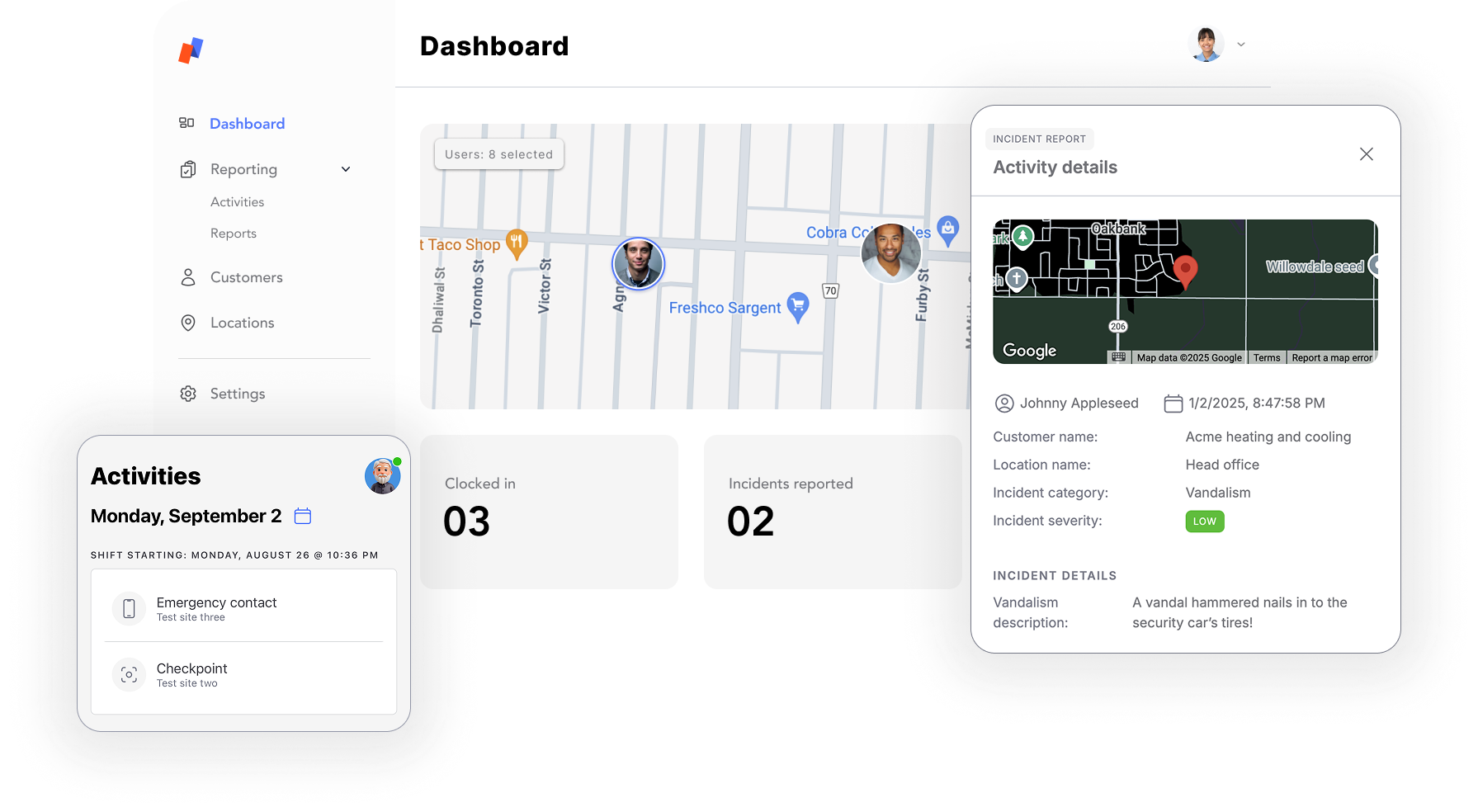
Give your officers a simple app for patrols and incident reports, and give your department a clear record of everything that happens on campus.
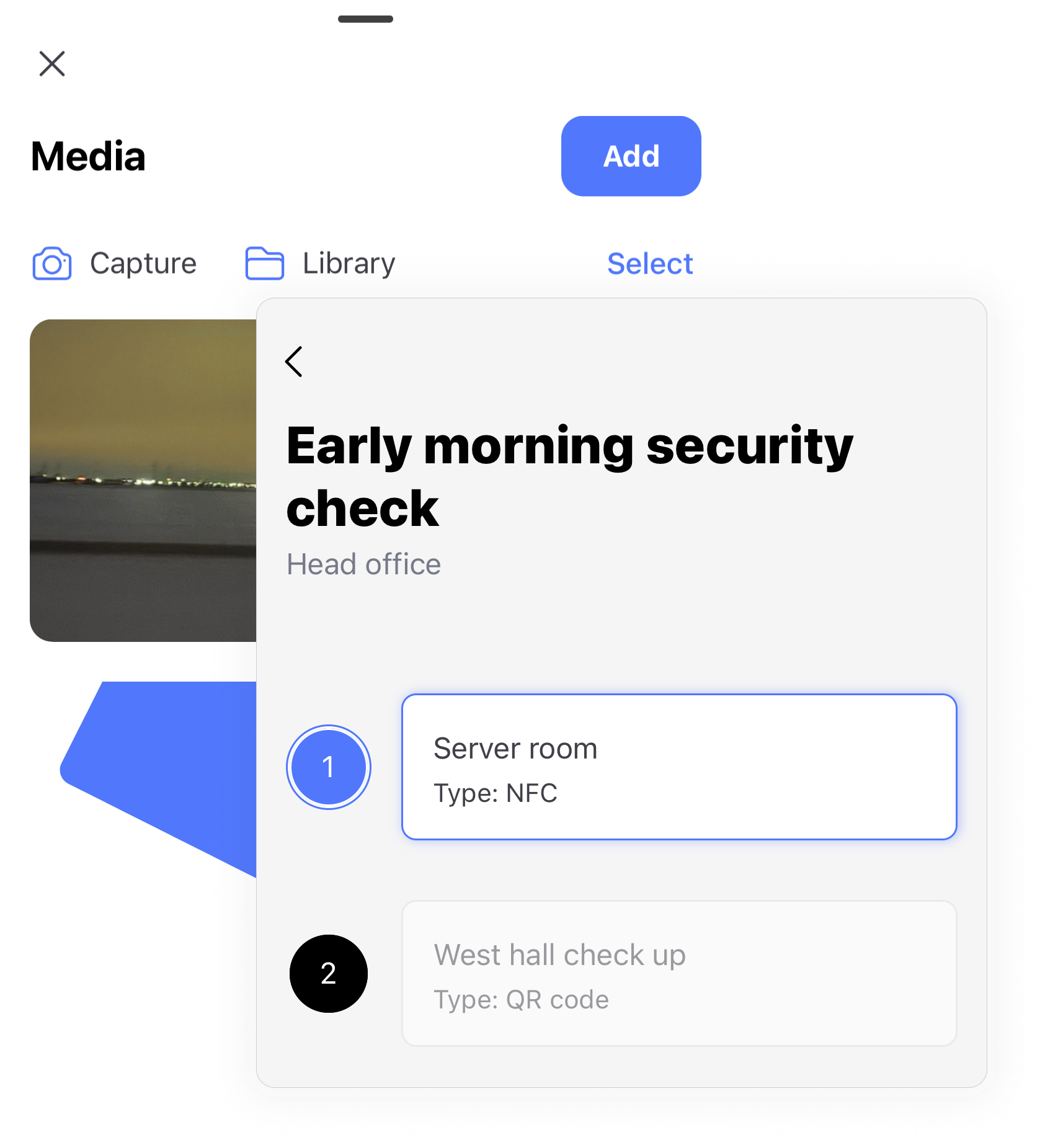
Set up guided tours for the routes your officers walk every night. Place QR or NFC checkpoints at doors, parking structures, and residence halls so you know each stop was actually covered.
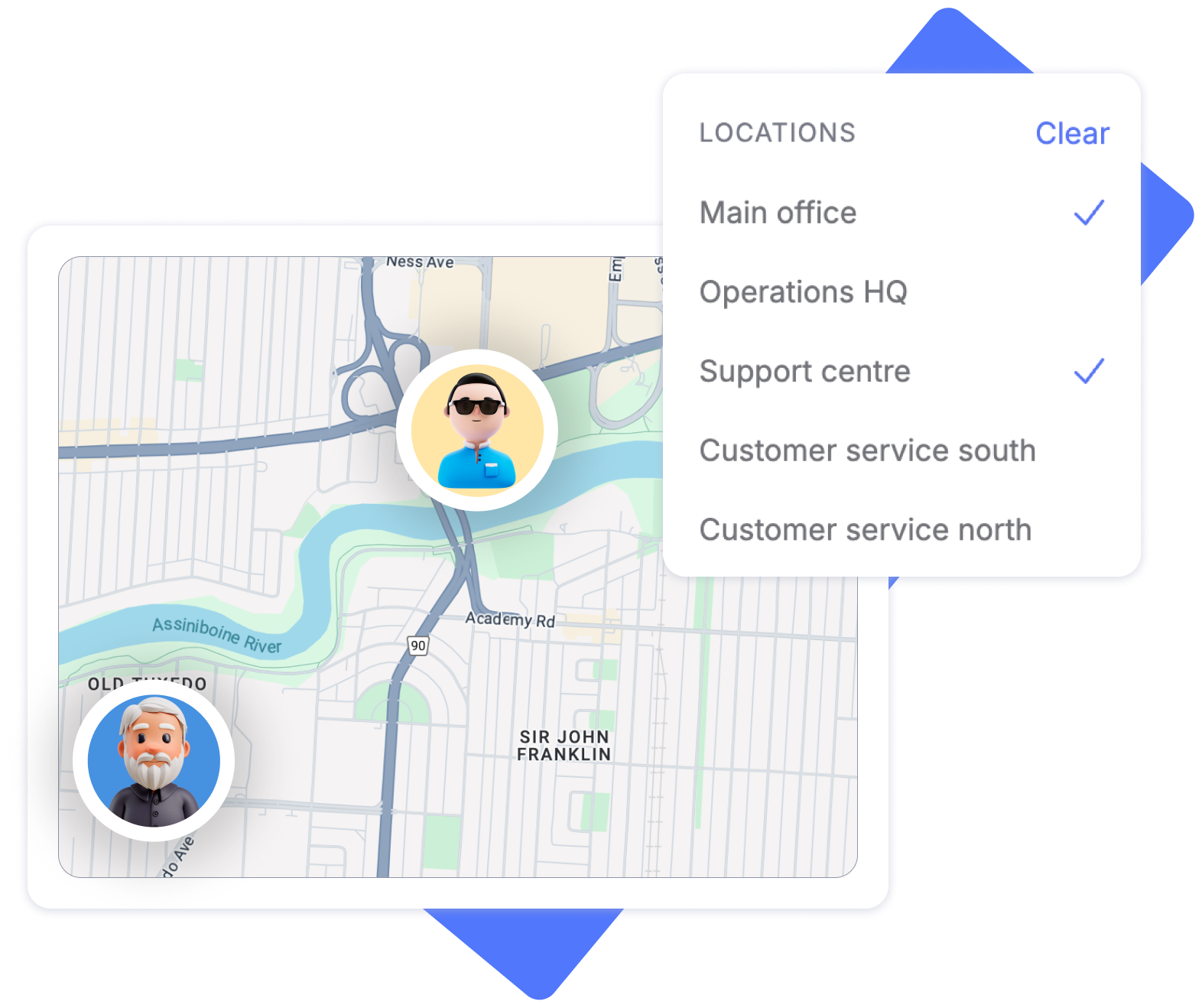
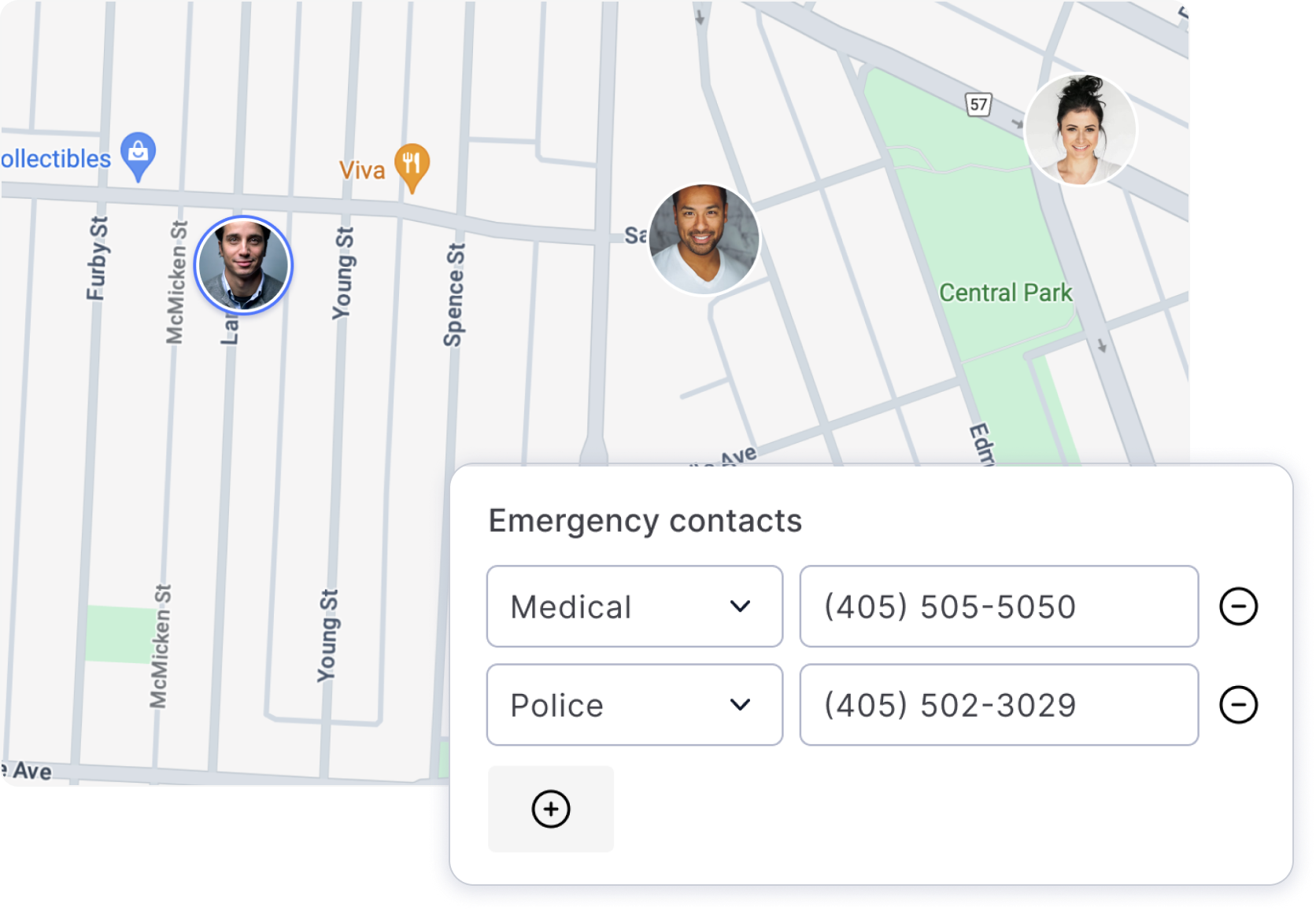
Officer activity is GPS-tagged in real time, so supervisors can see coverage across a spread-out campus and respond faster when something comes up on the other side of it.
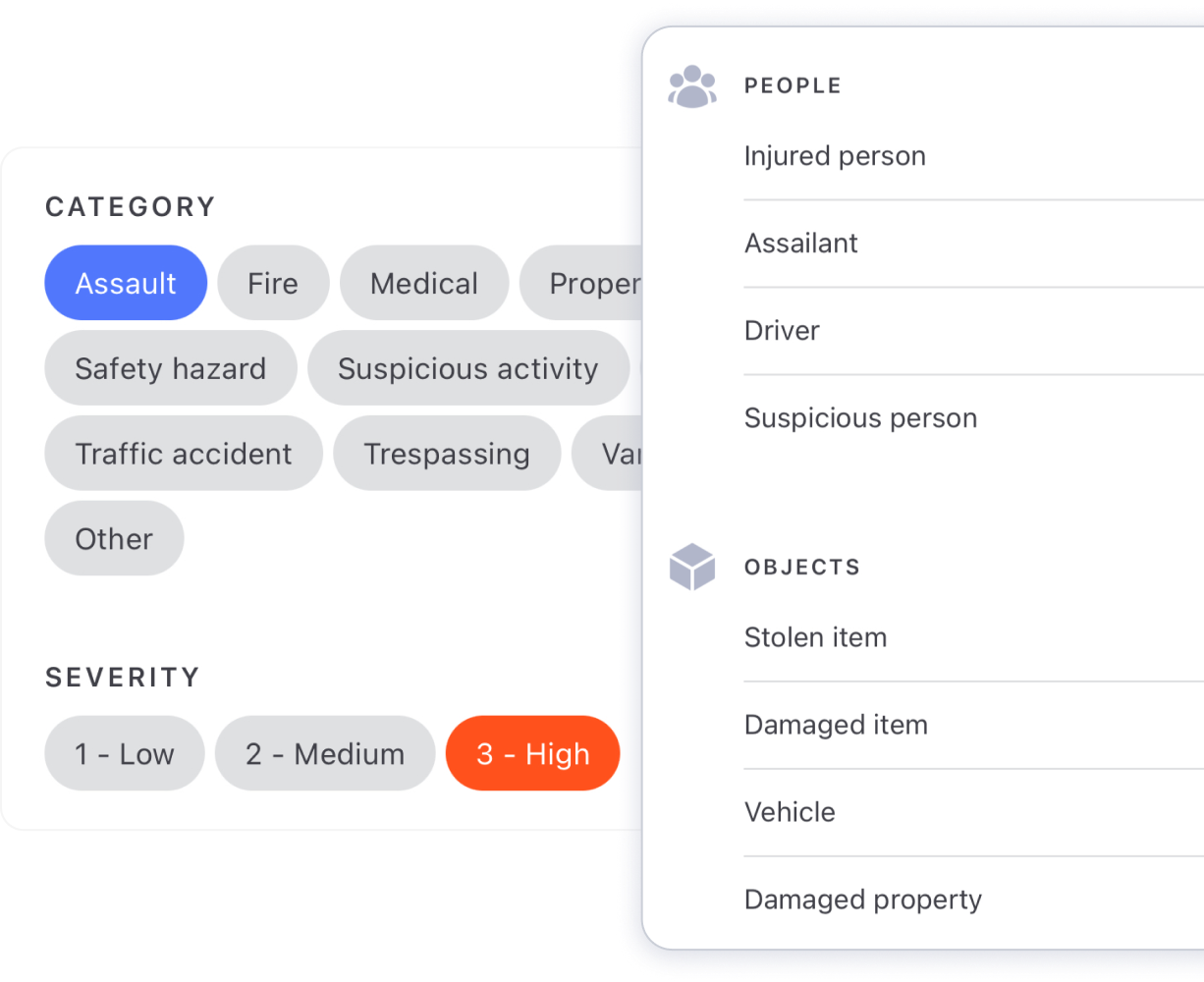
Officers report incidents from their phone with notes, photos, and the exact location attached. Everything lands in one place for supervisors to review instead of in a stack of paper forms.
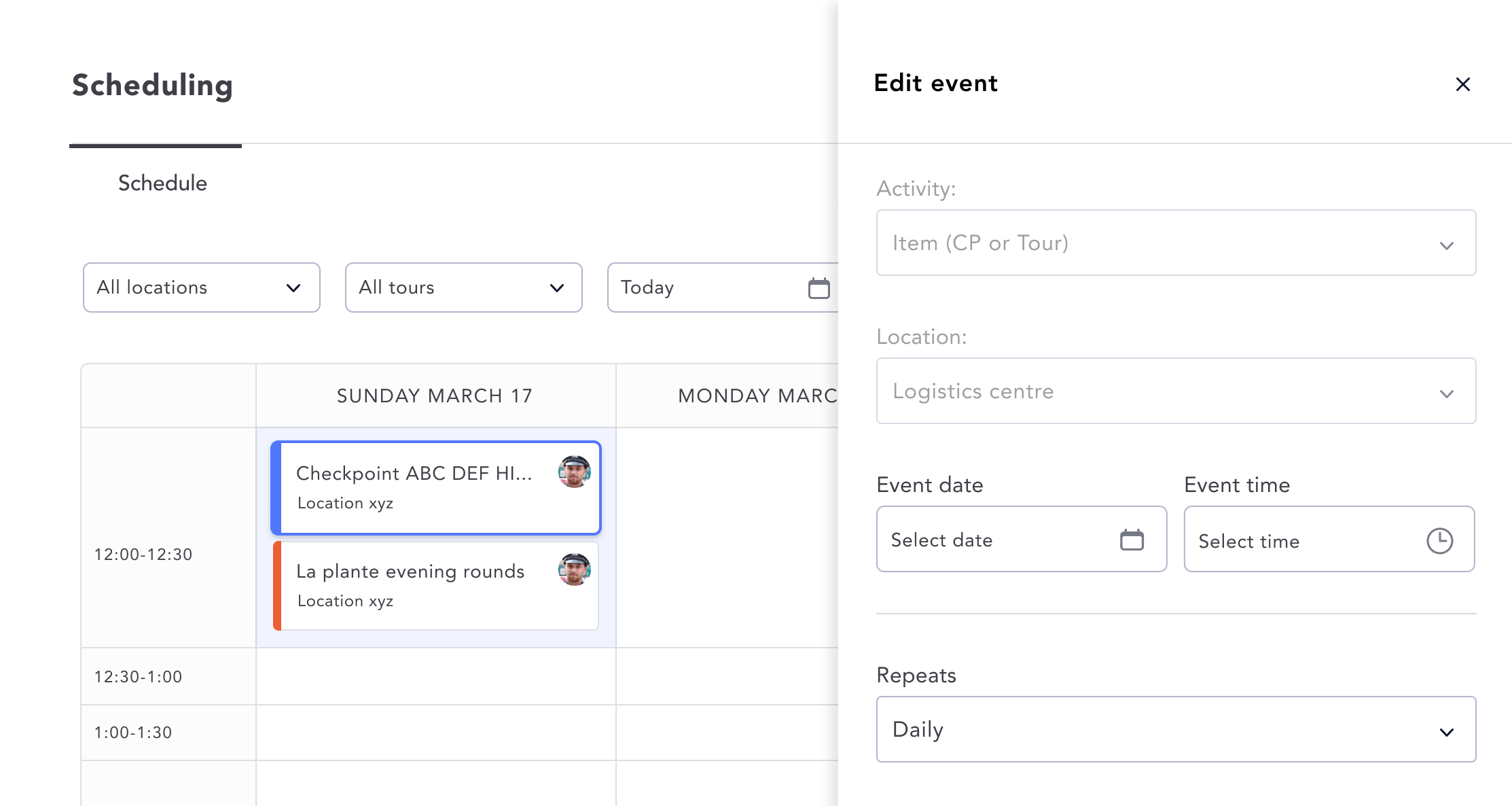
Build schedules for each part of campus and save them as templates. Adjust quickly for move-in week, exams, events, and breaks without starting from scratch.
Every patrol, checkpoint, and incident is logged and searchable. Filter by building, officer, or activity type and export a PDF when leadership, risk management, or annual reporting needs it.
In-house security teams at colleges, universities, private schools, and other multi-building campuses use Opspot to run patrols, report incidents, and schedule officers.
Yes. Place QR code or NFC checkpoints at building entrances, parking structures, residence halls, or anywhere officers need to check in. Each scan is logged with time and GPS location.
Officers file incident reports from the Opspot mobile app with notes, photos, and location attached. Supervisors can review them right away and export them as PDFs.
Opspot runs on iOS and Android, so officers can use their own phones or department-issued devices.
Opspot provides a seamless experience for your guards; whether you’re using iOS, Android, or both.


Try Opspot free today, no credit card required. With live GPS tracking, patrol tours, and instant incident reporting, you'll see how easy security workforce management can be.