October 22, 2026 · Bob Duncan
The paperless test: four conditions a guard tool must pass
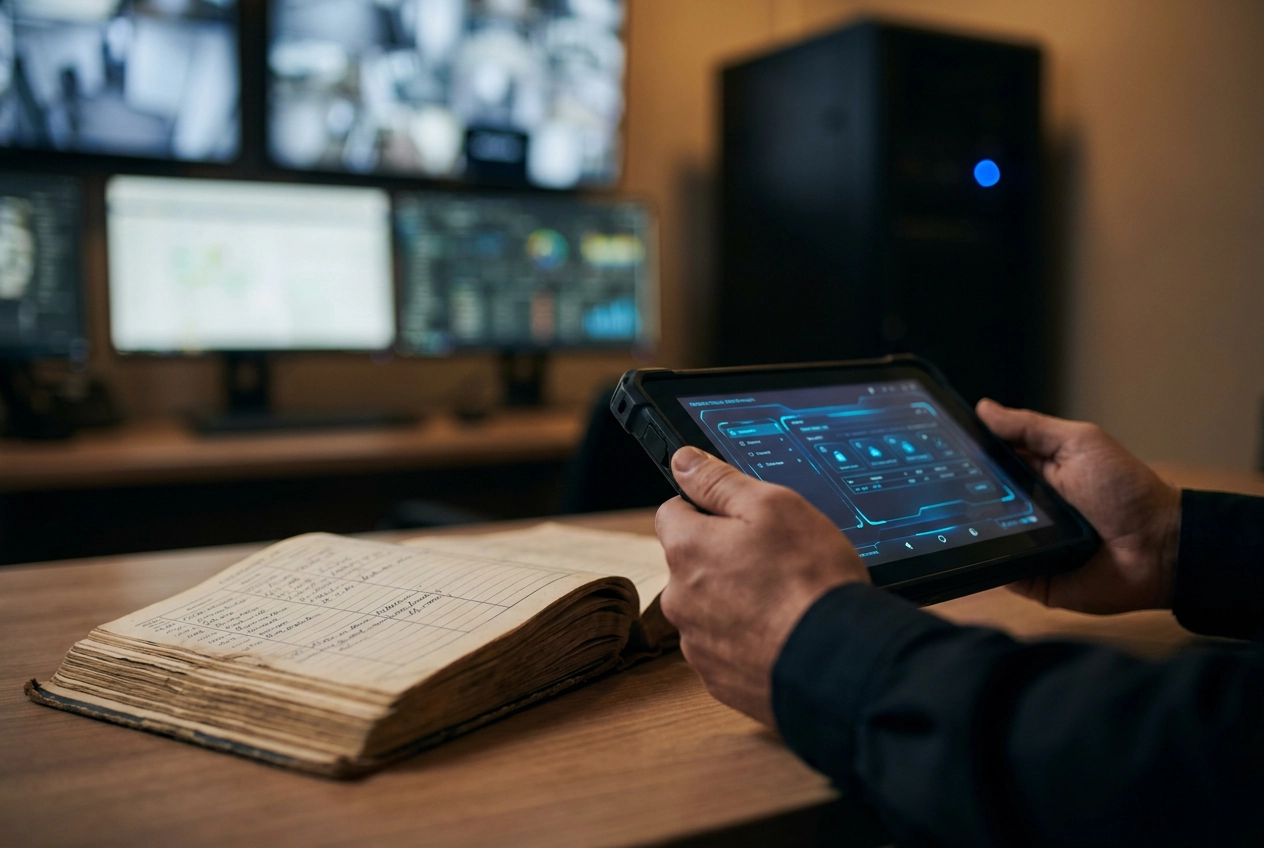
Most tools that call themselves paperless have not removed paper. They have moved it to a screen. A guard still taps in details later, a supervisor still retypes hours, and a client report still gets rebuilt by hand. That is digital paperwork, not a paperless operation. The real test is whether the record is captured where the work happens and reaches the client without being retyped.
This analysis sets out four conditions a guard tool must pass, all four required. First, incidents must be captured on site with photo, time, and location. Second, patrols must be verified by a scan at the checkpoint. Third, hours must be confirmed where the guard actually stood. Fourth, the client report must assemble itself from that data. We will also examine where verification breaks down, including honest limits of scans and GPS, then offer a one-week test before you cancel the logbook.
The four conditions are Opspot's product thesis, not a sourced industry standard; treat them as a practical pass/fail framework. Pass all four or keep the logbook.
Why "paperless" usually means a form on a screen

In practice, a paper logbook fails in four predictable ways: entries get smeared or lost, handwriting is unreadable, a supervisor retypes everything into a report, and the client gets the summary days after the shift it describes. That last failure is the expensive one, and most tools sold as paperless don't fix it. They just move the form to a screen. The guard fills a field, someone retypes it into a client report, and the logbook travels from a desk drawer to a spreadsheet nobody opens.
The retyping tax is the giveaway. If your team touches the same information twice, you own a digital form, not a paperless operation. Small firms feel the gaps harder because no operations team absorbs them.
One caveat before the test. Treat this as an operations question, not a compliance one. What you owe a client comes from your contract.
The four conditions below are Opspot's product thesis for small firms, not an industry standard. They are still the right questions to ask any vendor before you cancel anything.
The test: four conditions, all four required
Here is the test. Four conditions, and a tool has to meet every one of them.
Condition 1: incidents captured on site. A photo, a timestamp, and a location, filed from the post itself. A description typed up later at the office is a story, not a record.
Condition 2: patrols verified by a scan. A QR or NFC scan at the checkpoint writes the time, the place, and the guard's name. A signature on a sheet only proves somebody had a pen.
Condition 3: hours confirmed where the guard stood. A geofenced clock-in ties the shift to a physical location, which is what makes a timesheet defensible at payroll. If you still hand-add hours on a Sunday night, this condition fails. The same reasoning applies when you move scheduling off paper; what year one actually looks like for a small Canadian guard company is a useful preview of that transition.
Condition 4: the client report assembles itself. Incidents, scans, and verified hours pull into one document with nobody retyping a word.
Miss one and the retyping step survives.
Condition 1: the incident is captured where it happened
On-site capture is what separates a real record from a reconstruction. Unlike a write-up done at the end of a shift, an entry filed at the post carries photo, exact time, GPS coordinates, guard name, post, and incident type tied to the moment and place they were recorded.
Practically speaking, capture must also survive a dead zone. Basements, parking structures, and stairwells are where incidents happen, so the tool has to hold the entry on the phone and sync once the guard is back in coverage. If it needs a live signal to save, it fails when you need it most.
Structured fields beat blank boxes. A drop-down for theft, trespass, medical, or property damage makes incidents countable later. Free text does not.
An incident can become an insurance claim, a disciplinary matter, or a police enquiry, so the record needs to hold up under review. Before trusting any incident reporting system, ask the vendor for a real filed incident, not a demo entry. Then ask what the client received, and when.
File a dummy incident from a real post at 2 a.m. Time the entry, check whether the photo uploads, and confirm the location pin lands on the right building.
Condition 2: the patrol is verified by a scan at the checkpoint
A sign-in sheet proves someone had a pen. A scan proves a guard stood at checkpoint 4-B at 01:47. Paper registers fall apart because they record what a guard wrote after the fact, not what happened at the post.
QR codes cost pennies to print and minutes to replace when they fade, tear, or get painted over. NFC tags are harder to duplicate, though every phone in your fleet needs to read them. Either works, as long as the scan writes a timestamp and a location alongside the checkpoint, and the guard cannot edit it later. If you want the difference between QR, NFC, and GPS explained without the sales pitch, a checkpoint patrol tracking guide covering those options is worth reading before you decide.
A complete scan record shows four things: checkpoint name, time, guard, and whether the scan landed inside the patrol window you set for that site. Set that window from your post orders, not from what a guard happens to walk in a night.
Missed scans should surface as exceptions on your dashboard, not vanish into a gap. You want the list of patrols that did not happen before the client asks for it.
Run one patrol yourself and read the record. If checkpoint, time, and guard do not appear in a single view, the client will not see them either.
Condition 3: hours are confirmed where the guard actually stood
A scan proves the patrol happened. Hours are a separate claim, and it is the one that reaches your payroll and your invoice.
Geofenced clock-in confirms the phone was inside the post boundary when the shift started. That is a different claim than "the guard says they were there," which is why a timestamp alone is not enough. Buddy punching and early clock-outs are the two things a paper timesheet cannot catch: a friend clocks you in, or you leave two hours into a twelve-hour shift. A clock-in carrying a location and a time catches both.
The better tools push a no-show alert the same night rather than letting it surface at month end when the invoice is already with the client. That is the difference between covering a gap the same night and explaining it three weeks later.
Payroll-ready timesheets matter more than dashboards. If you still hand-add hours on Sunday night, the hours are not confirmed, they are typed.
One setting to check before you trust any of it: the grace window. A long parking lot can put a guard outside a tight geofence, and a tool that flags honest clock-ins trains guards to ignore the alerts that matter.
Condition 4: the client report assembles itself
Condition 4 closes the chain: those entries, scans, and hours should pull into one client document without anyone retyping a word.
Clients ask three things, in order: what happened, when it happened, and proof someone was there. If the tool cannot assemble those into one place, you are back at the keyboard.
That shows up at renewal. A monthly proof-of-service report you send in two clicks keeps a contract renewing on evidence. Rebuilding one by hand is how you end up defending the same month you already invoiced.
Self-assembling reports protect you internally too. The record is written at the post, so the story does not shift depending on who writes the end-of-week summary. That consistency is one of the quieter reasons small security companies keep their operations running smoothly.
Check the export before you buy. Ask for the actual file. A PDF you can email and a client can open is enough; a screenshot of a dashboard is harder to defend in a contract dispute or an insurance conversation.
Where verification breaks down: honest limits of scans and GPS
That self-assembling report is only as good as the data underneath it. Knowing where verification fails is what keeps a rollout from becoming something your guards quietly work around.
GPS drifts indoors. Signals reflect off hard surfaces and arrive late, and research on surrounding surface materials shows how far that error can stretch. Aluminium, glass, and wood all change the size of GPS multipath error. A guard in a basement or a parkade may show up a block away, or not at all. Treat indoor coordinates as approximate, and pair them with geofenced clock-in for security guards rather than trusting a raw pin on its own.
Checkpoint tags get painted over, torn off, or moved. Keep spares on site, and make sure a missing tag can be logged as an exception instead of turning into a silent gap in the patrol record.
Phones die, and not every guard carries a modern one. Plan a fallback, such as a supervisor entry or a shared device, so a dead battery never becomes a missing patrol.
The standard is not forensic accuracy. It is a record good enough that nobody retypes it and the client can see what happened.
A one-week test to run before you cancel the logbook
Given those limits, don't convert the whole company on a promise. Pick one site and one guard who is already comfortable with a phone, and run the new tool alongside the paper log for seven days. Same incidents, same patrols, both recorded, with no change to how the post is staffed.
At the end of the week, compare three numbers: how long an incident entry took on each side, how many patrol records were missing from each, and how long it took to produce the client report. Those three numbers expose a retyping step faster than any demo will. If location data is part of your decision, check what small operators in Canada should look for before they buy.
Then talk to the guard, not just the supervisor. If the app added a step at 3 a.m., the guard will tell you in a way the weekly report never will.
Tools built for small firms are worth testing this way. Opspot is one option worth considering for small guard operations.
Conclusion: pass all four or keep the logbook
When that week ends with the paper log untouched, do not cancel it yet. Hold the tool to four conditions, all four at once.
Incidents captured on site, photo, timestamp, GPS at the post, not reconstructed later.
Patrols verified by a scan, checkpoint, time, and guard in one record, with missed scans surfacing as exceptions.
Hours confirmed at the post, geofenced clock-in tied to a location, exported to payroll without manual addition.
The client report that builds itself, incidents, scans, and verified hours in one PDF, ready to send.
Miss any one of these and keep the logbook a while longer. Three out of four still leaves a manual step, and that step is the reason paper survives inside otherwise modern guard firms.
Until that chain runs untouched, you have a form on a screen.