August 10, 2026 · Bob Duncan
How small security companies keep their operations running smoothly
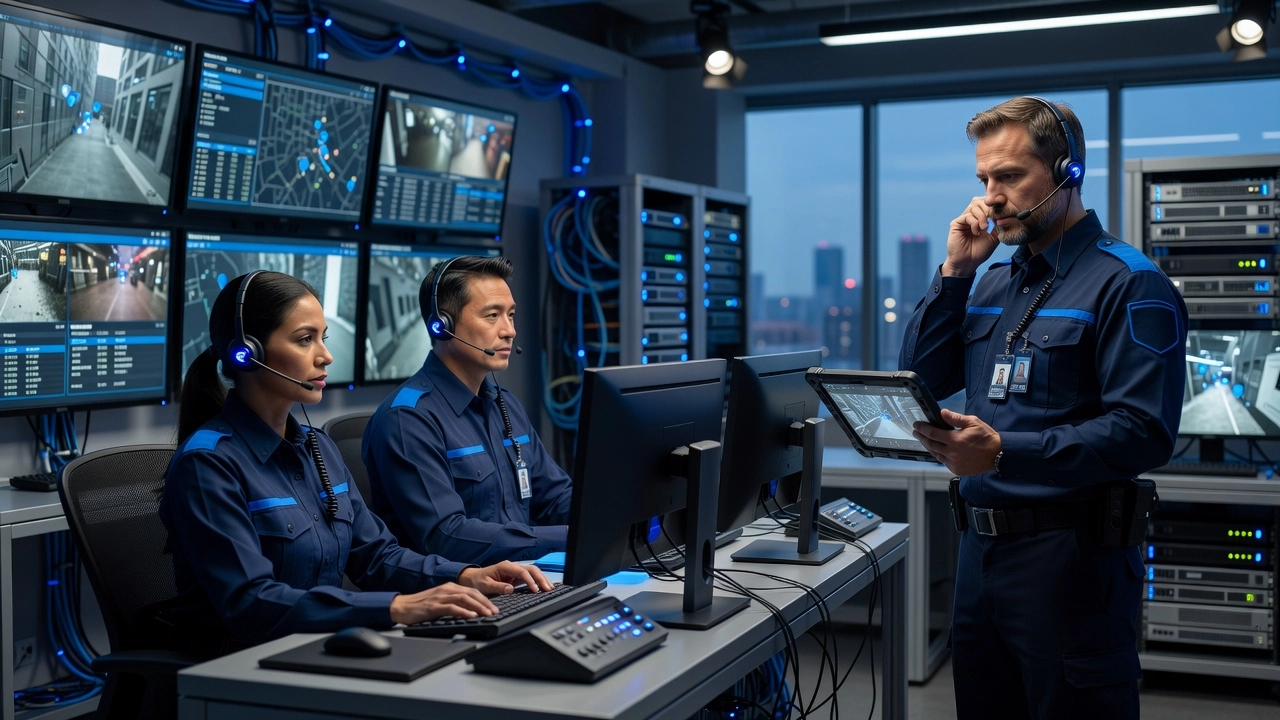
Running a small security company is no small feat. Between managing staff schedules, handling client relationships, and making sure every shift is covered, there are a lot of moving parts to keep track of. And if you are just starting out in the security industry, it can feel a little overwhelming trying to figure out how the pros actually keep everything running without missing a beat.
Here is the good news: small security businesses have figured out some really smart, practical ways to stay organized and efficient without needing a massive budget or a huge team. Whether you are an aspiring security business owner, a new manager, or simply someone curious about how these operations work behind the scenes, this post was made with you in mind.
We are going to walk you through a list of simple but powerful strategies that small security companies use every day to keep their operations smooth and their clients happy. By the end, you will have a clear picture of what it takes to run a tight, reliable security operation from the ground up. Let's dive in!
Why getting operations right matters more than you think
If you're running a small security company, the pressure to "just figure it out" as you go is real. But here's what most owners don't realize until it costs them: the way you run your operations from day one has a direct impact on whether your guards stay, whether your clients renew, and whether your business can actually grow.
The security industry has one of the highest employee turnover rates of any sector, with some estimates pointing to triple-digit annual churn. That's not just a hiring problem. Research consistently shows that disorganized operations, clunky scheduling systems, and poor communication are documented drivers of guard dissatisfaction. When guards don't know where they're supposed to be, can't reach a supervisor easily, or are working off a paper schedule that changes by text message, they leave. And replacing a guard costs you more than just time.
The market is already sending a clear signal about where things are heading. According to Security Guard Management Software market research, the global market for these tools was valued at over USD 2 billion in 2024 and is on track to nearly double by 2030. Companies are voting with their wallets, moving away from paper and toward digital tools that actually work.
The challenge is that many small companies, especially those with 1 to 30 guards, are still running on WhatsApp threads, texted schedules, and handwritten reports. That system works until it doesn't. One missed patrol, one undocumented incident, one client asking for a report you can't produce, and the cracks show fast.
Clients today expect proof of service, real-time updates, and clean documentation. Informal tools simply can't deliver that. According to this guide on managing a security guard company, scheduling, patrol management, and client communication are among the most operationally complex challenges growing firms face. Getting these basics right early protects your contracts, your reputation, and your ability to scale without constant firefighting.
Scheduling that guards actually follow
If your guards can't see their schedule on their phone, they're probably going to miss a shift. That's not a dig at your team; it's just how things work now. Mobile schedule access is no longer a nice-to-have feature. It's the baseline expectation every guard has when they show up to a new job. A schedule posted on a whiteboard or buried in a spreadsheet might as well not exist for someone checking their phone at 10pm before a 6am shift.
Last-minute coverage gaps are one of the most stressful parts of running a small security company. One no-show can mean scrambling through your contacts, sending a dozen texts, and hoping someone picks up in time. A clear, visible schedule that guards can check anytime dramatically reduces the chances of that happening. When everyone knows where they're supposed to be and when, gaps are easier to spot early and faster to fill.
Here's a trap a lot of owners fall into: picking a scheduling tool that's technically powerful but takes hours to figure out. When setup feels like a project, most people abandon it and go right back to group texts. That's completely understandable, but it costs you time every single week. The right tool should let you build a schedule in minutes, not an afternoon.
Automated shift confirmations and notifications also quietly save you a surprising amount of time. Instead of personally following up with every guard before each shift, the system does it for you. Less back-and-forth, fewer surprises, more breathing room.
Tools like opspot.io are built with exactly this in mind: small teams, simple setup, and everything from scheduling to notifications handled from one screen. No lengthy onboarding, no sales call required to get started.
Knowing where your guards are in real time
In 2026, knowing where your guards are isn't optional. Clients expect it, managers depend on it, and the security companies that can't show real-time patrol data are already losing contracts to those that can. Real-time GPS tracking has shifted from a premium add-on to a basic requirement, right alongside scheduling and incident reporting.
Geofencing takes that a step further. You draw a virtual boundary around a site, and the system handles the rest. If a guard doesn't show up on time, you get an alert. If they step outside the assigned zone, you get an alert. No more calling guards to confirm they're on post. No more relying on a supervisor to make check-in rounds. The system does the watching so you don't have to do it manually.
GPS data also protects you when a client calls with questions. If someone claims a post wasn't covered on Tuesday night, you don't have to rely on memory or handwritten logs. You pull the timestamped location history, show the patrol route, and close the conversation. That kind of verifiable record is exactly what professional security operations are built on in 2026.
For owners managing multiple sites at once, live location visibility changes everything. Instead of juggling phone calls and hoping someone shows up, you can see your entire team on one screen.
Guards benefit too. When expectations are clear and tracked, there's no ambiguity about where someone should be or when. If a client dispute ever arises, the GPS record protects the guard just as much as it protects you.
Incident reporting that does not get lost in a text thread
Think about the last time something happened on a site and the guard sent a quick message in a group chat. Maybe there was a photo attached. Maybe there wasn't. Either way, that report is now buried under 47 other messages, invisible to you and completely inaccessible to your client unless someone scrolls back and digs it out manually. That's not a reporting system. That's just noise.
A centralized incident reporting tool changes this completely. Every report, whether it's a broken lock, a trespasser, or a minor slip-and-fall, gets logged automatically with a timestamp and stored in one place that you and your client can both access at any time. Nothing gets lost. Nothing gets forgotten. The record is just there, organized and searchable, whenever someone needs it.
The speed of filing matters too. A guard who submits a report from their phone while still on site captures details accurately. A guard who tries to write up the same incident three hours later at home is working from a fading memory. Mobile-first reporting closes that gap completely.
What makes digital reports genuinely useful goes beyond just the words. Photo attachments, GPS location tags, and digital signatures turn a basic note into something credible and legally defensible. If a client ever questions what happened, or if a liability dispute comes up, a timestamped report with photos and a location stamp is far more useful than a forwarded screenshot from someone's personal phone.
And here's something worth thinking about when you're bidding on new contracts or renewing existing ones: clients notice the difference between a clean PDF incident report and a screenshot of a text message. Professional documentation signals that you run a professional operation. That impression alone can be the reason a client chooses to stay with you.
Giving clients proof that the work was done
Winning a contract renewal comes down to one question your client is silently asking: "Can you prove your guards were actually doing their job?" A monthly invoice doesn't answer that question. A verbal "everything went fine" doesn't either. What clients want, especially property managers, HOA boards, and facility directors, is real documentation they can point to when justifying the contract to their own stakeholders.
Proof of service isn't complicated, but it has to be complete. That means GPS patrol logs showing where guards were and when, timestamped checkpoint scans, completed post orders, and incident reports all in one place. The problem for most small security companies is that pulling this information together after every shift means the owner is the one doing it manually, which is unsustainable once you're running more than a handful of sites.
The better approach is automatic. When your system generates and delivers a post-shift report to the client without anyone having to compile it, two things happen. The client gets consistent, professional documentation after every shift, and you get your evenings back. According to Miratag's guide on professional client reports, the quality of daily activity reports directly impacts client satisfaction and contract retention. A thin report tells a client someone showed up. A detailed, time-stamped record tells them their site was actively protected.
Small companies that build this habit early consistently outperform those relying on verbal updates when renewal season comes around. As noted in GuardOwl's patrol compliance guide, "We've seen too many security companies lose contracts not because their guards failed, but because their reports couldn't prove the guards succeeded."
With 58% of security providers already migrating operations to cloud-based tools, clients who work with larger firms are beginning to expect this level of transparency from every vendor they hire, including smaller ones.
Onboarding new guards without the headache
Security guard turnover isn't just high. It's relentless. The industry runs at triple-digit annual turnover rates, which means you're not onboarding a new guard once or twice a year. You're doing it constantly. That reality makes your onboarding process one of the most important operational systems you have, not a task you figure out as you go.
The problem gets worse when the software itself becomes a barrier. If a guard downloads your app on their first shift and can't figure out how to clock in, check their post orders, or log an incident without calling you, you're going to get a lot of calls. Some guards will just stop using it entirely. Research on employee onboarding consistently shows that structured, intuitive onboarding improves three-year retention by up to 82%, while poor onboarding is a leading reason employees leave within their first 45 days.
A mobile-first platform changes this dynamic significantly. When a guard can open the app, see their shift, read the site-specific post orders, and understand exactly what's expected without needing a tutorial, your phone stays quiet. That's not a small thing when you're running a lean operation.
The specific features that matter most here are practical ones: digital onboarding checklists, post orders accessible directly from the app, and push notifications for shift assignments. Each of these replaces a call or a text you would otherwise have to send yourself. According to 2026 onboarding data from Enboarder, frontline workers require mobile-first onboarding specifically because they have no desk or office access point.
The bottom line is straightforward. A system that's hard for the guard to use is a system that doesn't get used. Build the experience around the person doing the job, and the whole operation runs more smoothly from day one.
Timekeeping that makes payroll straightforward
If you've ever spent a Sunday night texting guards to confirm their hours before running payroll on Monday, you already know how much energy this one task can drain. Manual timekeeping, whether that's guards calling in their hours, texting their clock-out time, or filling out a paper sheet at the end of a shift, creates errors that stack up quietly until they explode into a dispute or a missed deadline.
The fix is straightforward. When guards clock in and out using a mobile app tied to their GPS location, hours are no longer a matter of memory or trust. They're a verified record. The guard was at the site. The time is logged. If a client questions whether coverage happened or a guard disputes a missed hour, you have something concrete to point to instead of a conversation thread you have to dig through. Time tracking built for security teams can reduce time spent on admin by 47% and trim total payroll costs by around 12%, simply by eliminating the back-and-forth that manual systems create.
Clean time records also serve a purpose beyond weekly payroll. If a labor dispute ever surfaces, an automated audit trail is your first line of defense. Accurate digital records show exactly when a guard started, where they were, and when they clocked out, which makes resolving disagreements faster and far less stressful.
For owner-operators running payroll themselves, exportable time reports mean you stop rebuilding the week from scattered inputs. The data is already organized by guard, by site, and by shift. You review it, approve it, and move on.
Over time, that same data tells you something useful about your operation as a whole. You can start to see where overtime keeps creeping in, which shifts are hardest to fill, and where scheduling gaps tend to appear. That kind of visibility usually requires a spreadsheet built over months. With modern scheduling and timekeeping tools, it comes built in.
Choosing the right tools for a team of under 30 guards
Most security software on the market was designed for companies with 100 or more guards. That means complex dashboards, multi-layered admin settings, and features like enterprise workforce automation that have no relevance to an owner-operator running a team of 15. When small firms try to use these platforms, they end up paying for tools they will never touch and navigating menus built for operations managers at large firms, not someone who is also handling sales, scheduling, and dispatch on the same day.
When you are evaluating tools for a team under 30 guards, five things matter most:
Mobile-first design so guards can clock in, view shifts, and file reports from their phones
Simple onboarding that does not require a week of training for every new hire
GPS tracking with geofencing to confirm guards are where they should be
Client-facing reporting so you can show proof of service without building custom spreadsheets
Transparent pricing with no long-term contracts, because your headcount can change month to month
Implementation complexity is one of the biggest reasons small firms stay on spreadsheets longer than they should. The right platform for a team your size should be up and running in a day, not a month. You should not need a dedicated IT person or a three-week onboarding process to get your guards using it.
Pricing structure matters too. Pay-as-you-go, per-user models are now common among platforms built for smaller operations. This aligns with the cash flow reality of running a lean security business, where locking into a 12-month enterprise contract does not make sense.
opspot.io was built specifically for companies with 1 to 50 guards. It brings scheduling, GPS, reporting, and timekeeping together in one place, and you can get started free without booking a sales call.
Getting your operations in order is worth the effort
The six pillars covered in this guide, scheduling, GPS tracking, incident reporting, client proof of service, guard onboarding, and timekeeping, are not separate problems. They are one connected system. When one breaks down, the others feel it. When they work together, your operation runs cleanly and your clients notice.
The shift from paper and group chats to digital tools is already happening across the industry. Small companies that make this move now are building a real advantage in client retention and day-to-day guard management. The ones still running on spreadsheets and text messages are falling behind, not because the technology is complicated, but because their clients are starting to expect more.
The good news is that the right tool does not have to be expensive or hard to learn. You do not need an enterprise platform built for a 500-guard operation. You need something simple, mobile-friendly, and built around the way small security teams actually work.
That is exactly what opspot.io is built for. It is free to start, requires no sales call, and covers every pillar in this guide. If your team has under 50 guards, it is worth spending five minutes to see how it fits.
Conclusion
Running a small security company successfully comes down to a few core principles: staying organized, communicating clearly, leveraging the right tools, and building strong relationships with your clients and team.
The good news is that you do not need unlimited resources to do this well. Smart scheduling, consistent training, reliable systems, and a proactive mindset go a long way toward keeping your operation tight and professional.
Now it is your turn to put these strategies into action. Start small by identifying one or two areas in your current operation that need improvement, then work from there. Whether you are just launching your business or looking to tighten up an existing one, every step forward counts.
The security companies that thrive are the ones that commit to continuous improvement. Your next move starts today.