September 9, 2026 · Bob Duncan
Shift scheduling software for Canadian security companies: what to expect in year one

If you're still filling shifts through a WhatsApp group chat and tracking hours on a spreadsheet, you already know the drill. Someone misses a message, a shift goes uncovered, and you're on the phone at 11 PM trying to sort it out. It works, until it really doesn't.
Switching to shift scheduling software sounds like the obvious fix, but most guides just throw feature lists at you without explaining what the first year actually feels like on the ground. That's what this post is for.
We're going to walk through the real operational arc of year one for a small Canadian guard company making the jump from paper or WhatsApp to dedicated scheduling software. You'll see what setup involves, why the first two months feel bumpy, and how things start clicking into place by mid-year. By month twelve, most owners find they've stepped back from the daily scheduling grind almost entirely.
Knowing what to expect at each stage makes all the difference between committing to the change and abandoning it after 30 days. Let's start from the beginning.
Why paper and WhatsApp scheduling breaks down
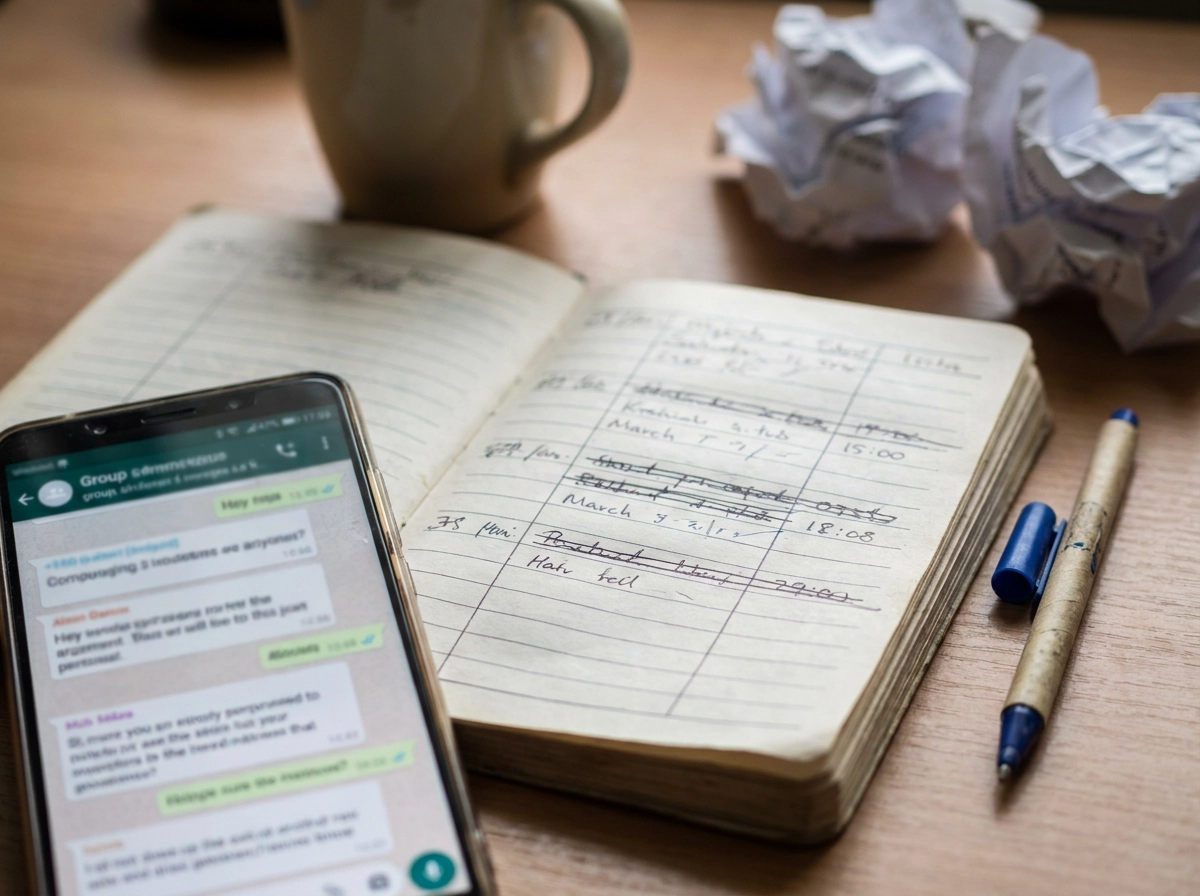
If you run a small guard company in Canada, you are probably the scheduler, the dispatcher, and the payroll processor. All at the same time. Most owners in this range, say five to thirty guards, hold the whole operation together with a WhatsApp group, a paper logbook, and their own memory.
That works until it doesn't.
Picture this: it's 11pm on a Tuesday and a guard texts the group chat that he can't make his 6am shift. You start calling down your list. One guard doesn't answer. Another is already booked. A third sees the message at 7am, three hours too late. The shift goes uncovered, and you're the one explaining it to the client.
The same fragile system shows up at payroll. Guards write down their own hours. Someone forgets to log a clock-in, or writes in a time that doesn't match what you remember. You spend two or three hours every pay period reconciling handwritten logs, arguing over half-hours, and hoping your totals are close enough. They're usually not exact.
The deeper problem is what this costs you personally. When you are the scheduling system, you can't take a weekend off. You can't ignore your phone after 9pm. Every gap in coverage routes back to you because there's no other system to catch it.
This piece isn't a feature comparison. It's a walk through what the first year with shift scheduling software actually looks like for a small Canadian guard company, from the rough start through the point where the daily ops stop depending entirely on you.
Before you start: what setup actually involves
The good news: switching to shift scheduling software is not a weeks-long IT project. Most tools built for small teams are designed to be running within a day. The barrier is lower than most owners expect.
Before you log in, get four things ready:
Guard names and mobile numbers for every active guard
Client site addresses for each location you cover
Your recurring shift patterns (days, times, and which guard type covers each post)
Pay rates per guard, since you will need these when the system starts generating timesheets
Once you are in, the first real configuration step is geofencing. You enter each client site's address, and the software draws a boundary around it. That boundary is what tells the GPS clock-in whether a guard is actually on post or clocking in from their car down the street. It takes a few minutes per site and it is worth doing carefully. For a closer look at how scheduling that guards actually follow connects to site setup, that piece is useful background.
The real setup variable is guard onboarding. The app does not do anything useful until your guards have downloaded it and logged in. Some will do it immediately. Others will need two or three reminders. Plan for that follow-up before you launch, not after.
And be honest with yourself about the first two weeks. Guards who are used to texting you directly will keep texting you directly, at least at first. That is normal, not a sign the software is not working.
Months one and two: the adjustment period
Once setup is done, this is where most owners either build something useful or give up.
The abandonment risk is real. Most owners who quit scheduling software do so within the first 30 days, for the same reason: the team has not fully adopted it yet. The software looks like extra work because it is running alongside your old system, not instead of it.
That is partial adoption in practice. Half your guards are clocking in through the app. The other half are still texting you. You are now managing two systems at once, which is genuinely worse than before you started. This is normal and temporary, but only if you push through it.
Two things help. First, set a hard cutoff date. Pick a day two weeks out and tell your guards that after that date you will not accept shift confirmations by text. Second, send one short message explaining why: the app gives everyone a clear record of their schedule, so there are fewer mix-ups. Guards do not resist change the way owners fear they will. They just need to know it is real.
Automated shift reminders reduce the number of calls you make to confirm coverage without eliminating those calls entirely yet. You are still involved, just slightly less so.
Think of implementation and support as something you plan for, not something you wing. Owners who treat this phase as a trial, watching to see if it works, almost always quit. Owners who treat it as an implementation they are finishing almost always come out the other side.
Months three and four: shift fill gets faster
Once your whole team is clocking in through the app, the day-to-day rhythm starts to shift noticeably.
The biggest change is how you fill open shifts. Instead of scrolling your contacts and calling guards one by one until someone picks up, you post the open shift in the app and guards respond. The ones who are available claim it. You confirm. Done in minutes instead of an hour of phone tag.
Recurring patterns get easier too. Once you save your standard site rotations as shift templates, building next week's schedule means adjusting a template, not rebuilding from scratch. If your Monday-to-Friday warehouse coverage never changes, you stop re-entering it every week. That time adds up.
Conflict detection is quieter but just as useful. Good shift scheduling software flags double-bookings before you publish, so you catch the problem at your desk, not when a guard shows up at the wrong site. It is a small thing until the day it saves you from a coverage gap at a client location.
The other shift you will notice: guards stop texting you to ask when they work. Once they trust the app as their schedule, the "when do I work this week?" messages drop off. That alone frees up more mental space than it sounds like.
By the end of month four, Sunday night looks different. You are making small adjustments, not building a schedule from zero.
Months five and six: timesheets stop being a fight
Once scheduling is running smoothly, payroll becomes the next place you recover time.
When guards clock in through an app with GPS verification, the system records the exact time and the guard's location. That data sits in the platform, timestamped and tied to the site. When a guard says they worked until midnight and the log shows 11:42 p.m., there is no debate. The record is objective, and most guards quickly stop pushing back once they know that.
What you get on payday is a timesheet that is already done. Hours totalled by guard, by site, and by pay period, with no manual adding or cross-referencing. You export the report and hand it to your bookkeeper, or you enter the totals directly into your payroll system. The pile of handwritten logs and the hour you used to spend reconciling them on the last Friday of the pay period largely disappears.
Canadian provincial labor standards generally require employers to keep documented records of hours worked. Paper logs satisfy that requirement in theory, but they are easy to lose, easy to alter, and hard to audit quickly. Verified digital timesheets are more reliable as a record and easier to produce if you ever need to show them.
For a closer look at how this fits into how small security companies keep their operations running smoothly, the pattern is consistent: when one manual process gets replaced with a verified digital one, the time savings compound quickly across the rest of your week.
Months seven through nine: the operational floor rises
Once your timesheets are clean and payroll disputes have quieted down, something shifts in how you run the operation. You stop putting out fires all day and start actually managing the business.
By month seven or eight, most owners are spending less time reacting and more time reviewing. You open your dashboard in the morning, check the overnight reports, and spot anything unusual before a client calls to tell you about it. That is a meaningful change.
Patrol verification is a big part of what makes this possible. When guards scan QR or NFC checkpoints during their rounds, every patrol is timestamped and logged automatically. Mobile incident reports with photos and GPS location come through the same system. You are not chasing anyone for notes at the end of a shift; the documentation is already there. If you are unsure whether your current tools actually cover this, this breakdown of what security company owners actually need versus premise security products is worth a quick read.
Those verified records also change your client conversations. When a client questions whether a guard made rounds or asks about an incident, you pull up the log and show them. The conversation is short. Renewals stop being negotiation exercises and start being confirmations.
This is also when owners start stepping back from day-to-day scheduling decisions. When the system is the source of truth, a senior guard or site supervisor can handle routine coverage without needing to text you first.
Months ten through twelve: reduced owner involvement
By the end of the year, the day-to-day scheduling work is mostly handled without you. Your job shifts to approving timesheets and flagging exceptions, not building the schedule itself or chasing guards who forgot to clock in.
Saved shift templates carry most of the recurring workload. Your standard rotations run week after week without you rebuilding them. Automated scheduling features fill the predictable slots, and you only intervene when something falls outside the normal pattern.
Onboarding a new guard is also faster now. You add them to the system, they download the app, and the schedule is right there waiting for them. You are not the person they call to find out when they work. The system handles that.
The same logic applies to growth. Adding a new site or bringing on three more guards does not multiply your administrative hours the way it did on paper. The structure is already in place. Simple guard scheduling and shift management scales without stacking more manual work onto your plate.
That said, be honest about what the software has not fixed. If a guard is consistently unreliable, the system gives you a clearer record of the problem but does not solve it. If a client keeps changing their expectations without updating the contract, that is still a conversation you need to have. And if competitors in your market are undercutting your rates, no scheduling tool changes that. The software handles the operational mechanics. The harder parts of running a guard company are still yours to manage.
What to look for in scheduling software built for a guard company
Once you have gone through that year-one arc, the software choice that started it either makes the rest easier or harder. So it is worth knowing what to look for before you pick one.
General workforce scheduling tools, the kind built for restaurants or retail, often miss what guard operations actually require. They can post shifts and send reminders, but they typically lack geofenced clock-in, patrol verification, and incident reporting. Those are not extras for a guard company; they are the core record that proves your team was on site and doing the job.
For a Canadian guard operation, the features that matter are:
Mobile schedules guards can see on their phones without logging into a desktop
GPS clock-in tied to your client sites, so the record shows where a guard actually was
Payroll-ready timesheet export, with hours totalled by guard, by site, and by pay period
Incident reporting with photos and timestamps, so the record is built in the field, not reconstructed later
Setup speed and contract terms also matter. A platform that requires a sales call, a demo, and a six-month onboarding commitment is not designed for a 10-guard company. You need something running in a day, with no long-term lock-in.
Opspot is built specifically for small and mid-size guard companies (1 to 50 guards), covers what security guard companies actually need to run their operations, and is free to start with no sales call required.
Before rolling it out to your whole team, test it with two or three guards on a single site first. That way, any friction stays small and easy to fix.
Committing to the change
The year-one arc is predictable once you know it. The first two months are slow and a little frustrating. By months three and four, shift fill speeds up and Sunday-night scheduling stops consuming your evening. By mid-year, timesheets stop being a fight. By the back half, you are reviewing reports instead of chasing guards.
Most owners who quit do so at day 30, right when half the team is still texting instead of clocking in through the app. That partial-adoption phase feels like the software is not working. It is actually just the implementation phase, and it ends if you push through it.
The concrete next step is simple: pick a start date, pull together your guard list with phone numbers, and give the whole team two weeks to be clocking in through the app. A hard deadline moves things faster than an open-ended rollout.
If you want to test the system before committing, Opspot's free Starter plan covers up to three guards at no cost. No sales call, no contract. Set it up on one site, run it for a few weeks, and see how the clock-ins and timesheets actually behave. That is enough to know whether it fits.
Conclusion
Switching from paper and WhatsApp to scheduling software is not an overnight transformation. It is a twelve-month process with a clear pattern: a slow start, faster shift fill by spring, cleaner timesheets by mid-year, and genuine operational breathing room by the end.
Four things to carry with you: setup takes longer than expected, partial adoption feels like failure but is not, consistency through the first sixty days determines everything, and the back half of the year pays back the front half many times over.
Pick a start date. Build your guard list. Set a two-week clock-in deadline and hold to it.
If you want to test the water first, Opspot's free Starter plan lets you run a real site with real guards before committing a dollar. Start there, and let the results make the decision for you.