September 12, 2026 · Bob Duncan
GPS tracking for security guards in Canada: what small companies need to know before they buy
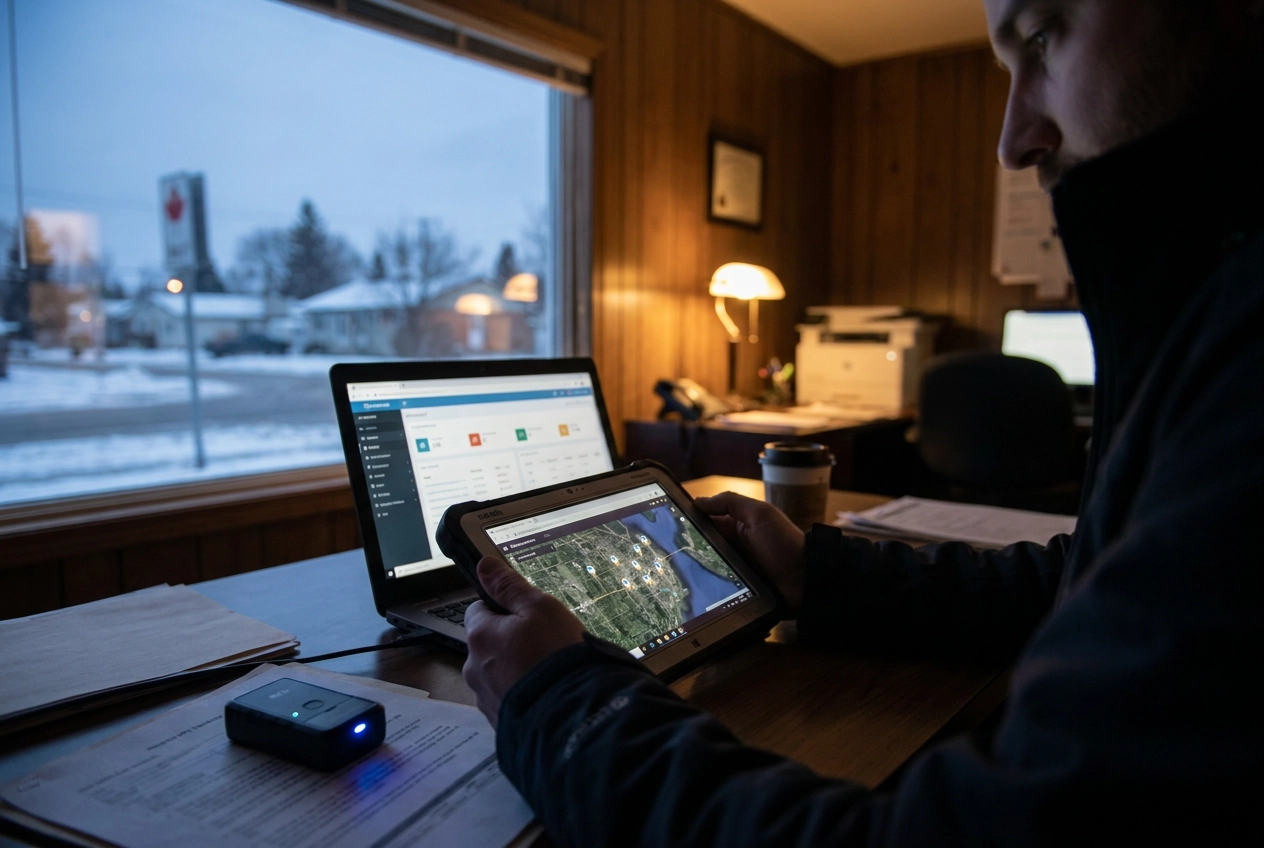
If you run a small security company in Canada and you've been searching for GPS tracking tools, you've probably noticed something frustrating: almost every result is aimed at logistics companies managing delivery trucks, not guard operators trying to keep tabs on a team of 10 or 20 people spread across multiple sites overnight.
Here's the thing. GPS tracking for security guards is a different problem from routing vehicles. It's about confirming your guard actually showed up, walked the right patrol, and has the documentation to prove it. A clock in clock out app is just the starting point. The real value comes from building a system that protects your business, satisfies your clients, and keeps you compliant with Canadian privacy law.
In this post, we're breaking down everything a small guard operator needs to know before spending a dollar on tracking technology. From what GPS can and can't tell you on its own, to geofencing, proof-of-service reports, and common buying mistakes, consider this your plain-language guide to getting it right the first time.
Guard GPS is not the same as fleet GPS
Search results for "GPS tracking workers" are mostly useless for security guard companies. What comes back is vehicle fleet software: mileage logs, fuel reports, route optimization for delivery trucks. That's not what you need.
Fleet GPS answers one question: where is the vehicle right now? That works fine when your core problem is a truck leaving a depot and reaching a customer address.
Guard accountability is a different problem entirely. The question you need to answer is whether a specific person was at a specific site, at the right time, and whether they actually completed their patrol on foot. A mileage log tells you nothing about that. Neither does a fuel report.
GPS-based patrol tracking for guards is built around site presence verification, patrol route documentation, and an auditable record you can show a client. Those are fundamentally different outputs from anything a fleet platform produces.
This distinction matters because small guard operators, typically running fewer than 30 guards, often buy what shows up first in search results. A fleet tracker seems close enough. It has GPS. It tracks workers. Then the operator discovers it doesn't support on-foot patrol routes, has no checkpoint scanning, and generates reports their clients have no use for. Undoing that mistake costs time and money most small shops can't spare.
What GPS actually tracks (and what it can't tell you on its own)
GPS captures three things: where a device is, what time it was there, and the route it took to get there. Together, those data points can confirm a guard was on site during a shift. That's genuinely useful. But it's not the whole picture.
The gap is this: coordinates tell you a phone was present, not that the person holding it actually moved through the property. A guard who arrives, parks, and sits in their car for four hours will show up as "on site" in a GPS-only system. The dot on the map looks fine. The loading dock and the far corner of the parking lot went unchecked.
This is where GPS-based patrol tracking with QR or NFC checkpoints changes the picture. Checkpoints are small tags or codes placed at specific points along a patrol route, at the back gate, the stairwell entrance, the equipment room. Guards scan each one as they pass. The system records a timestamp and location for every scan. You get a sequenced record of actual movement through the property, not just a single location pin.
GPS location plus checkpoint scans together give you a complete accountability record. GPS alone gives you partial information. For small operators who need to show clients that patrols were completed, that distinction matters.
How geofencing replaces your clock in clock out system
GPS alone tells you where a guard is. A geofence tells you whether they actually showed up.
A geofence is a virtual boundary drawn around a specific property. When a guard crosses it at the start of a shift, the system logs the clock-in automatically. When they leave, it logs the clock-out. No phone call, no paper timesheet, no manual entry.
That matters more than it sounds. Without geofencing, you're relying on guards to self-report arrival, which creates a grey zone. A guard can open a clock in clock out app from their car two blocks away and log a clean arrival time. Geofencing closes that gap because the clock-in only triggers when the guard is physically inside the boundary you set.
The downstream benefit is payroll. Geofenced clock-ins feed directly into timesheets built from verified location data. Hours worked are confirmed, not self-reported, which removes most of the disputes that eat up your time at the end of a pay period.
For operators keeping multiple sites running with a small team, geofencing is the closest thing to standing at the gate yourself. You're not on site at midnight, but the system is.
Canadian privacy law and what you need to know before tracking your guards
Before you deploy GPS tracking, you need written consent from your guards.
In Canada, tracking employees with GPS is lawful, but it requires informed consent. Guards must know they are being tracked, what location data is collected, and how it will be used.
PIPEDA applies to federally regulated private-sector workplaces. Alberta, B.C., and Quebec each have their own substantially similar private-sector privacy legislation. Ontario does not have equivalent provincial privacy legislation but does require employers with 25 or more employees to maintain a written electronic monitoring policy. Regardless of province, the practical obligation is the same: document what you're doing and tell your guards before their first shift.
The simplest approach is a short GPS disclosure paragraph in the employment contract or a separate one-page consent form. Get it signed before anyone opens the app.
Limit comprehensive location tracking to working hours and work locations only. Monitoring a guard's location after their shift ends creates legal exposure and damages trust. Guards who feel surveilled off the clock don't stay long.
Small operators skip this step more often than they should. If a guard or provincial regulator challenges your tracking practice later, no consent documentation means no defensible position.
Turning GPS data into proof-of-service reports your clients will actually ask for
Once you've sorted out consent and disclosure, the next question is what you actually do with all that GPS data you're collecting.
Clients in commercial real estate, retail, and construction are asking for more than a guard's name on a timesheet. They want evidence that patrols happened. A proof-of-service report pulls together GPS location data, checkpoint scan timestamps, incident reports with photos, and clock-in/clock-out records into one document you can send a client after each shift or week.
That documentation does real work for you. If a client claims a guard skipped the east wing at 2 a.m., a timestamped GPS track and checkpoint record shows exactly where the guard was and when. Without it, you're relying on the guard's word against the client's. With it, the conversation is over in a minute.
There's also a business case here. Small operators who deliver these reports consistently give clients a concrete reason to renew, and a real differentiator when bidding new contracts. Giving clients proof that the work was done matters more when you're competing against larger firms that can point to recognizable brand names.
One practical note: the data is only useful if the format is clean. A system that requires you to build a spreadsheet every week to produce something client-ready is going to get skipped. Look for software that generates reports automatically from the data it already has.
What to look for in a GPS tracking system if you run fewer than 30 guards
Once you know what your reports need to contain, the next question is whether your system can actually produce them. That comes down to what you buy in the first place. Here's what matters when you're running fewer than 30 guards.
Guards have to be able to use it on day one. If the app takes more than a few minutes to figure out, adoption fails before it starts. A new hire needs to clock in, start a patrol, and scan a checkpoint without anyone walking them through it.
GPS tracking and scheduling need to live in the same system. A standalone tracker that doesn't connect to your schedule means two tools to manage, two places to check, and two things that can fall out of sync. Look for drag-and-drop shift scheduling that guards can see on their phones alongside the tracking layer. That's what security guard companies actually need to run their operations without a full operations team behind them.
Geofenced clock-in/clock-out should generate timesheets automatically. Not a CSV you export and clean up. Verified location data should flow directly into payroll-ready records.
QR or NFC checkpoint scanning is not optional. GPS coordinates alone don't confirm a guard completed a route. Physical scan points do.
Pricing should be per guard, month-to-month. Enterprise platforms are priced for enterprise operations. A sub-30-guard shop can't absorb the rates or the implementation timelines.
If setup takes more than a day, it's built for a team you don't have.
A cost reality check for small Canadian guard companies
Transparent pricing matters, but it's only part of the real cost calculation.
Enterprise guard management platforms bundle GPS tracking with extensive feature sets, but their pricing models, implementation fees, and onboarding timelines are built for companies running hundreds of guards. A 15-guard operation signing up for one of those platforms often ends up paying for capacity it will never use. The problem is easy to miss at signup and painful to notice at renewal.
Purpose-built tools for small teams have gotten meaningfully more affordable. Per-guard monthly pricing in the $8 range is realistic now, and free tiers exist for operators running two or three guards who just need to get started.
But software price alone is not the right number to compare. Add setup time, training time, and the operational cost of guards who don't actually adopt the system. A platform that takes weeks to configure and gets ignored by half your guards costs far more than a simpler tool that's running by end of day.
The two questions worth asking before you commit: can I get this running today, and will my guards actually use it without help?
Common mistakes small operators make when buying GPS tracking
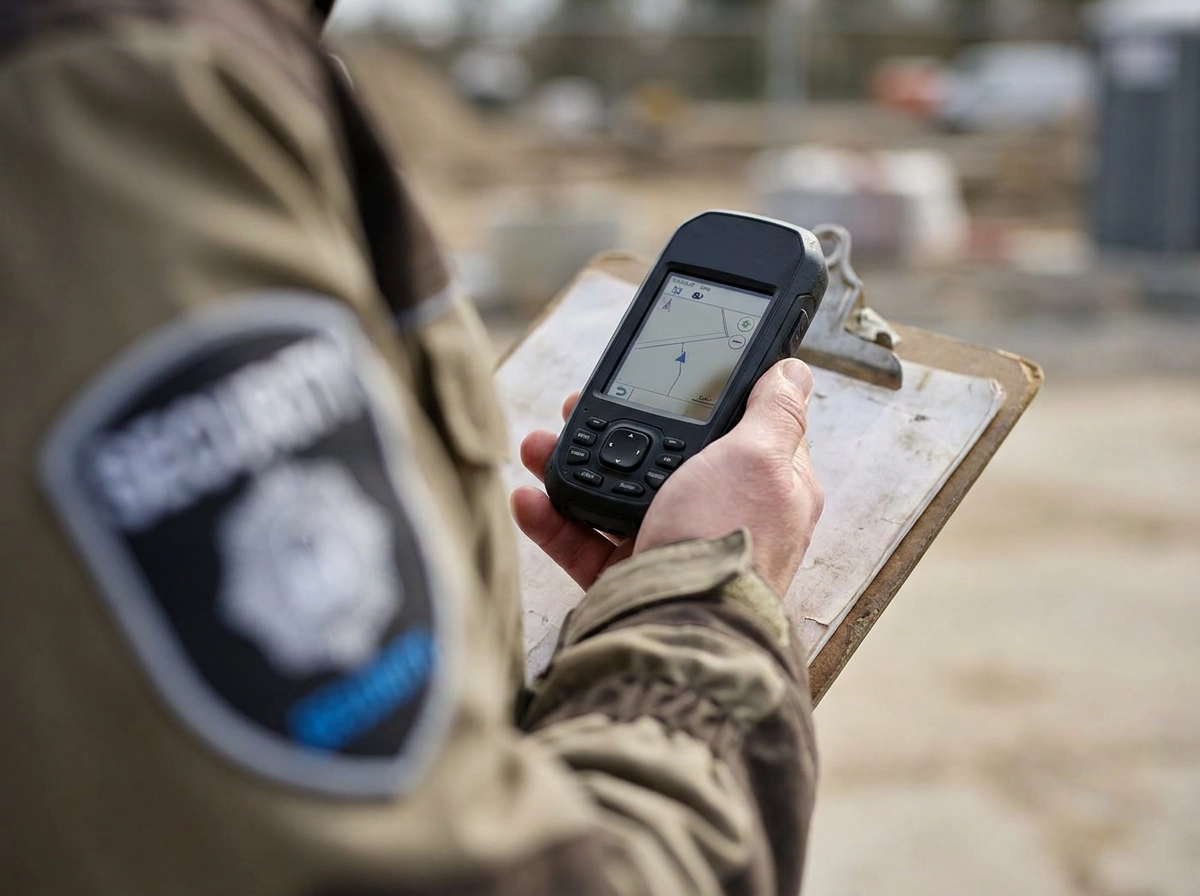
Beyond pricing, the buying process itself trips up small operators. Here are the most common mistakes worth avoiding.
Buying a fleet tracker by mistake. Fleet trackers don't support checkpoint scanning or on-foot patrol routes, a gap that becomes obvious fast.
Skipping written consent. GPS location data is personal information under PIPEDA, and Alberta, B.C., and Quebec each have their own substantially similar private-sector privacy legislation. Ontario does not have equivalent provincial privacy legislation but does require employers with 25 or more employees to maintain a written electronic monitoring policy. You need written disclosure before tracking starts, and tracking should be limited to working hours. Skipping this step creates real compliance exposure.
Treating GPS as the whole solution. A guard sitting in their car shows up "on site" in GPS alone. Without checkpoint scans confirming they actually walked the route, you have a gap in your audit trail that only becomes obvious when a client raises a dispute.
Buying on features, not adoption. A platform your guards ignore on day two is worth nothing. Simple wins.
Signing a long-term contract before testing the fit. Run it first. If the workflow doesn't suit a small operation, you'll know within a week.
A tool built for this specific use case
If you want a tool built around the mistakes above, Opspot is worth a look. It's guard management software built specifically for security companies running 1 to 50 guards, not adapted from a fleet platform or scaled down from enterprise software.
It combines GPS tracking, geofenced clock-in/clock-out, QR and NFC patrol checkpoints, incident reporting, and client-ready proof-of-service reports in one mobile-first system. Everything a small Canadian operator needs to confirm site presence, document patrols, and show clients the work happened.
The Starter plan is free for up to three guards. The Pro plan is $8 per guard per month, with no long-term contract and no sales call to get started. You can create an account and start building shifts the same day.
Guards use it on their phones. There's no formal training required, which matters when you're onboarding someone for a Saturday night shift with two hours' notice.
For presence verification, patrol accountability, and client documentation without enterprise pricing or complexity, take a look at opspot.io.
Before you buy: a quick checklist
Before you commit to any system, run through these six checks.
Built for on-foot patrol, not vehicles. Ask directly: does this platform support walking routes, checkpoint scanning, and site presence verification? If the feature set leads with mileage logs and fuel reports, it's a fleet tool wearing a guard management label.
Geofenced clock-in/clock-out that produces payroll-ready timesheets. The clock-in should trigger automatically when a guard enters the site boundary, and the timesheet should be ready to use without manual cleanup. If you're still exporting raw data into a spreadsheet, you haven't saved much time.
QR or NFC checkpoint scanning confirms guards walked the route, not just arrived near the property.
Get written GPS consent before day one and limit tracking to working hours, the privacy law section above covers what that requires.
Per-guard pricing, no long-term contract, fast setup. If a vendor won't tell you the per-guard price upfront, that's information. Test setup speed yourself: a system built for small teams should be running the same day.
Ask for a sample proof-of-service report. What your client receives matters as much as what you see in the dashboard. Review an actual sample before you buy.
Conclusion
The right GPS tracking system does more than log coordinates. It replaces your paper sign-in sheets, automates timesheets, proves your guards completed their patrols, and gives your clients documentation they can trust.
For small Canadian guard companies, the path forward is straightforward: choose a platform built for on-foot security work, not repurposed fleet software. Get written GPS consent in place before tracking begins. And demand proof-of-service reports that hold up when a client questions your service.
You don't need an enterprise contract or a six-month implementation to get this right. You need the right tool, set up correctly, from day one.
Use the checklist above before you commit to any vendor. The companies that get this right early build a reputation that compounds. Start there.