September 21, 2026 · Bob Duncan
Geofenced clock-in for security guards: why a timestamp alone is not enough
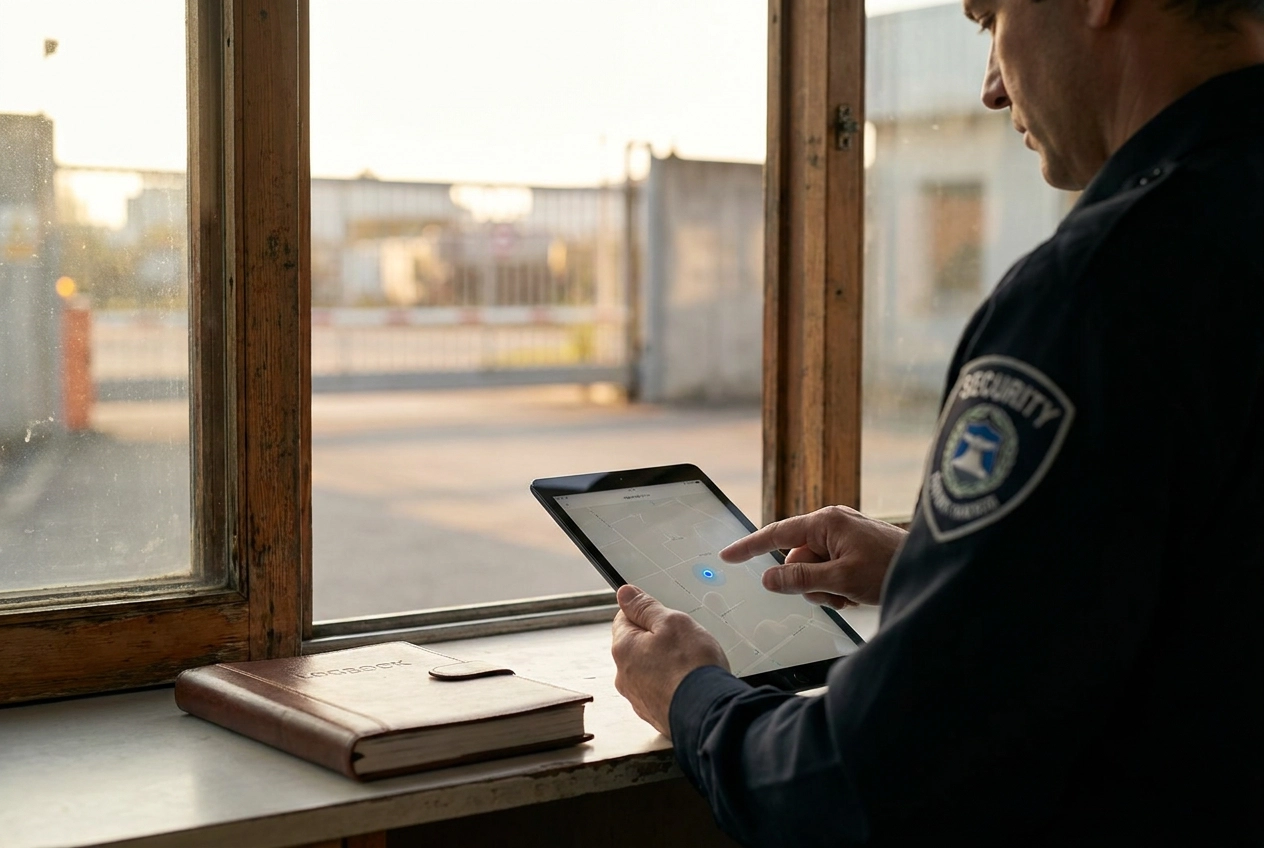
Picture this: a security guard clocks in at exactly 7:00 AM, right on time. The timestamp looks perfect. But here is the problem, nobody actually checked whether that guard was standing at the front entrance of your client's building or sitting in their car three blocks away.
A timestamp tells you when. It says nothing about where.
This is the accountability gap that catches small security operators off guard, sometimes literally. And it is exactly the problem that geofencing software was built to solve. By tying a verified location to every single clock-in, geofenced technology makes remote clock-ins a thing of the past.
In this post, we are going to break down why a timestamp alone is not enough to run a reliable security operation. We will walk through what geofenced clock-in actually does, where it genuinely helps small operators, and where it still has real limits worth knowing about. We will also cover what to look for when choosing a solution, so you can make a confident, informed decision for your team.
Let's get into it.
When a timestamp is not enough
Your guard clocks in at 7:02 a.m. The timestamp is right there in the system. But at 7:30, your client calls: the site is empty. No guard, no coverage, no explanation.
You pull up the record. It shows on time. What it does not show is where your guard was standing when they tapped that clock-in.
That is the gap. Time and location are two different things, and most systems small guard companies use only capture one of them.
Phone-in systems have the same blind spot. A guard calls the office at 7:02 from their driveway, says they are on site, and the log shows an on-time arrival. Paper sign-in sheets are no better. A guard can fill one in hours after the fact, and the handwriting still looks punctual.
The record looks clean. The site was uncovered.
This is not a hypothetical. If you are running a security service in 2026, you already know how quickly a single coverage gap can turn into a client dispute. Disputes mean phone calls, back-and-forth, sometimes a supervisor driving out to verify what happened. That is time and mileage you are paying for, on top of whatever goodwill you just spent. A few of those disputes, and a client starts shopping around. On tight margins with a small roster, one lost contract hurts.
A timestamp tells you when. It says nothing about where. Until your clock-in system captures both, you are managing coverage on the honor system.
What geofenced clock-in actually does
So what is geofenced clock-in, exactly?
A geofence is a virtual boundary drawn around a physical location using GPS coordinates. Think of it as an invisible perimeter traced around a building, a parking lot, or a retail strip. You define it on a map inside your security guard management software, and the software enforces it automatically.
Geofenced clock-in works on one simple rule: a guard can only start their shift if their phone is physically inside that boundary. They open the app, tap clock in, and one of two things happens. It works, meaning they are on site, or it does not, meaning they are not. No manual entry. No calling in from the car.
When the clock-in goes through, the record stores two things: a timestamp and a verified GPS coordinate. That pairing is what makes the record useful. It is not just "guard clocked in at 7:02 a.m." It is "guard clocked in at 7:02 a.m. from this specific location." Two-part proof, not one.
The radius around each site is configurable. A small retail post might use a 150-foot boundary. A large commercial campus might need 400 feet. You set it to match the actual footprint of the site, and you can adjust it per location.
This is not a standalone product you buy separately. It is a feature built into security operations platforms that help small companies keep their operations running smoothly, alongside scheduling, patrol verification, and reporting. The guard experience stays simple: open the app, tap clock in. The software handles the rest.
What breaks when you rely on timestamps alone
Without location in the picture, three systems dominate small guard operations: the phone-in call to a supervisor, the paper sign-in sheet at the site, and basic scheduling apps that track shifts but not position. All three share the same blind spot.
A guard can call from their driveway and sound completely convincing. They can stop by the site two hours late and backfill the sign-in sheet. A scheduling app records the clock-in tap, but that tap can happen from a parking lot two blocks away. The timestamp looks clean in every case. Nothing in the record proves the guard was standing on the property.
That gap becomes a problem the moment a client calls. If a retail center manager reports the site uncovered at 6:45 a.m. and your system shows a 6:30 clock-in, you have a dispute with no way to resolve it. A timestamp proves someone pressed a button, not that they were present.
Operators compensate by driving to sites themselves or sending a supervisor to check. That "supervisor tax" is real: fuel, time, and a person pulled off other work to verify something that should be automatic. For a small operation running tight margins, those visits add up fast.
Without a verified location tied to clock-in, guards can also round up their start time by 10 or 15 minutes and the record supports them. There is nothing to contradict it.
One disputed shift per week sounds minor. In practice it means a call with the guard, a call with the client, and a payroll correction, easily two to three hours every week on something a location-stamped record would settle in seconds. Companies like Paladin Security built accountability into their operations at scale; the underlying principle works the same way for a five-guard crew.
Where GPS geofencing has real limits
Geofenced clock-in solves the timestamp problem, but it is worth being honest: GPS is accurate, not perfect. Knowing where the limits are helps you set up the system in a way that actually holds up.
GPS drift is real. When a phone's GPS signal bounces off steel framing, concrete facades, or tall buildings before it reaches the device, the reported position shifts. Research from NIST on carrier multipath bias confirms this is a fundamental accuracy constraint, not a software bug. In practice, that bounce can move a phone's reported position by 10 to 50 feet. For most sites, that is minor. At a dense urban building with a tight geofence radius, it can flag a guard who is standing at the front door.
Underground zones are a harder problem. GPS requires a clear line of sight to satellites. A guard working in a basement, an underground parking structure, or a windowless interior room may fail to register entirely. The signal simply does not reach.
False positives are also possible. A phone sitting in a vehicle parked right at the edge of the geofence boundary can still trigger a successful clock-in, even if the guard never stepped out of the car.
To manage these issues as an operator: set a radius that reflects the actual footprint of your site rather than the tightest possible boundary. For indoor or underground zones, use NFC or QR checkpoints instead of relying on GPS alone. And when the system flags an edge case, review it rather than assuming the record is either right or wrong.
For most surface-level sites, retail strips, construction sites, commercial lots, open parking, knowing where your guards are in real time works well with GPS alone. Drift at those locations is a minor edge case, not a daily headache.
What small security operators lose without geofenced clock-in
Those GPS edge cases matter, but for most operators the bigger cost of skipping geofenced clock-in is operational drag that builds up when you have no location-verified record to stand on.
Supervisor site visits. Without location-confirmed clock-ins, the only way to know a guard is on site is to send someone to check. That means your time, fuel, and vehicle, sometimes at 6 a.m. on a Sunday. Over a month, those visits add up fast for a small operator with no dedicated field supervisor.
Client proof of service. Clients want a record, not your word. Geofenced clock-ins generate an auditable log automatically, so when a property manager asks whether their site was covered last Tuesday at 6 a.m., you send a report instead of making calls.
Timesheet disputes. When a guard says they arrived at 7:00 and your records say 7:22, a timestamp alone leaves room to argue. A location-stamped clock-in showing the phone was inside the site boundary at 7:22 is harder to contest.
Liability exposure. If something happens at a client site and you cannot verify the guard was there, legal responsibility for security operations falls on the operator. A geofenced clock-in record is documentation you own whether you ever need it or not.
Contract retention. One coverage gap with no verified proof can cost you the contract, and on tight margins losing a single account has outsized impact. Small firms facing these pressures, as explored in what companies like Condor Security actually need from guard management software, find geofenced clock-in most useful when it connects directly into scheduling and payroll-ready timesheets. A clock-in record that lives separately from your reports and pay runs still creates manual work.
The one thing geofencing does not solve on its own
All the benefits covered so far depend on one assumption: the right guard is holding the phone.
Geofencing confirms a device was inside the boundary, not who was carrying it. That gap is smaller than it sounds but real. A guard could hand their phone to a coworker before their shift. A friend could clock in on their behalf. A phone left on site from a previous shift could register a clock-in if someone opens the app.
Some security guard management software addresses this directly. Facial recognition at clock-in requires a selfie matched against a profile photo. NFC badge taps tie clock-in to a physical credential only that guard carries. QR checkpoint scans require the guard to physically walk to a specific location to complete the clock-in, not just stand near it.
For small operators running a tight, trusted crew, this is a low-frequency concern. Eight guards you hired and know personally? Buddy punching probably is not keeping you up at night. It becomes relevant when you scale past 20 guards, when a client contract includes a staffing audit clause, or when a dispute escalates and you need to prove not just that someone was on site but that the right person was.
This is one reason to use a purpose-built app for security guard jobs rather than a generic geofencing tool lifted from construction or field services. Generic tools track location. Purpose-built guard apps are designed with identity and accountability in mind from the start. If you have spent time researching tools and ended up confused about which category you need, this breakdown of CPI Security versus guard management software may help clarify the distinction.
What to look for in a geofenced clock-in solution
So which tool actually fits this use case? Here is what to look for, specifically if you are running a small guard operation rather than a construction crew with 500 workers on a dozen sites.
Per-site geofence configuration. Each client location should have its own boundary and radius. A warehouse perimeter is different from a retail storefront. One global setting does not account for that, and it creates gaps or false flags.
Actual GPS coordinates in every record. A pass/fail clock-in flag tells you the guard was inside the boundary. A stored GPS coordinate tells you exactly where they were if a client disputes it later. You want the coordinate, not just the verdict.
Direct feed into timesheets and scheduling. If the clock-in system does not connect to your payroll workflow, someone is manually entering that data somewhere. That second step is where errors and disputes come from. The clock-in should produce a payroll-ready record automatically.
Mobile-first design guards can use immediately. Security guard turnover is high. You cannot afford a tool that takes an afternoon to learn. If a new hire cannot open the app and clock in correctly on their first shift without calling you, the design is wrong.
Patrol checkpoints for indoor zones. GPS loses reliability underground and in interior spaces. QR or NFC checkpoints fill that gap, giving you coverage verification for basement parking, server rooms, or any area where GPS signal is inconsistent. A solution without this has a blind spot by design.
Pricing built for small teams. Enterprise geofencing software is engineered for 100 to 5,000 workers across multiple jobsites. That scale brings complexity and cost that does not make sense for 10 guards at three client sites. You need something sized and priced to match. For a practical sense of what a right-sized system actually looks like, the difference becomes clear quickly.
Opspot covers all of this: geofenced clock-in, QR and NFC patrol checkpoints, and payroll-ready timesheets in one mobile app built for small guard companies in the US and Canada. It starts free for up to three guards, no sales call required, at opspot.io.
The bottom line
A timestamp tells you when a guard clocked in. Geofenced clock-in tells you when and where. That distinction is what turns a record into actual evidence when a client dispute lands on your desk.
For small operators, the practical payoff is concrete: fewer supervisor drives to confirm coverage, timesheet records that are harder to argue with, proof-of-service logs you can hand a client without a second thought, and a documented trail that reduces your exposure if an incident occurs and someone asks where your guard was.
The limits are real and worth keeping in mind. GPS drifts indoors and goes unreliable underground. A geofence confirms the phone was on site, not who was holding it. Purpose-built guard apps close both gaps with NFC and QR checkpoints for indoor zones and identity layers at clock-in, so the blind spots stay small.
If you are still running phone-in clock-ins or using a scheduling tool with no location verification, the gap is costing you time, not just risk. It costs nothing to see how geofenced clock-in works in practice. Opspot starts free for up to three guards at opspot.io, with geofenced clock-in, patrol checkpoints, and payroll-ready timesheets included.
Conclusion
A timestamp is a record. Geofenced clock-in is evidence. That difference matters the moment a client questions coverage or an incident demands a documented answer.
The key takeaways are straightforward: location-verified clock-ins protect you from disputes, reduce the supervisor check-ins eating your time, and give clients proof of service they can actually trust. The technology has limits, but pairing GPS geofencing with NFC and QR checkpoints keeps those blind spots manageable.
Small operators running phone-in clock-ins are carrying risk they do not need to carry. The fix is not complicated, and it does not require a large budget or a lengthy setup.
See what geofenced clock-in looks like in a tool built specifically for small guard companies. Opspot starts free for up to three guards at opspot.io. No sales call, no commitment, just a better way to prove your guards were there.